About This Tool
Why this counter does not just run .length, and what it counts instead
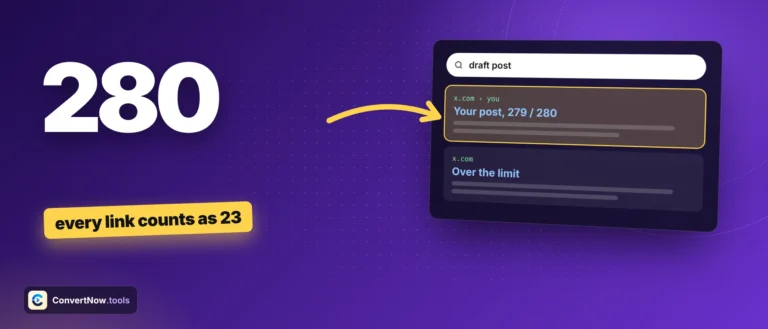
Typing 280 plain characters into X does not always mean you have 280 characters of room left, and typing fewer than 280 does not guarantee you fit. X counts differently than a naive character count, and this tool implements that real weighting rather than the shortcut most simple counters take. Everything runs client side against the text you type, nothing is posted anywhere.
The two weighting rules it actually implements
Every URL counts as exactly 23
X automatically wraps any link you post through its t.co shortener, and every wrapped link occupies the same fixed 23 characters in the count regardless of how long the original URL actually is. This tool finds links the same way X does, with or without https and www, as long as the address ends in a real domain such as .com or .io, and adds 23 to the total for each match instead of counting its real character length.
Wide characters count as 2
X gives weight 1 to Latin, Greek, Cyrillic, Arabic, Hebrew, Devanagari and Thai letters and to common punctuation. Everything else counts as 2, including CJK ideographs, Hangul, fullwidth forms and symbols like € or …. Every emoji counts as 2 as a whole, so a flag, a skin tone or a family emoji built from several code points still costs just 2.
// how each character is weighed
function weigh(text) {
text = text.normalize('NFC');
var total = 0;
// links first: each one costs 23
// emoji next: a whole sequence costs 2
// then every other code point:
// 1 if in 0-4351, 8192-8205,
// 8208-8223 or 8242-8247
// 2 for everything else
return total;
}
>
The tool walks the text by code point, not by UTF-16 code unit, so a four byte character is never split into two halves. Emoji sequences are matched first, so a family emoji made of five code points costs 2, not 8.
| Content | Naive .length count | This tool's weighted count |
|---|
| https://example.com/a/very/long/path | 36 | 23 |
| 日本語 (3 CJK characters) | 3 | 6 |
| 👨👩👧 (family emoji) | 8 | 2 |
| Plain ASCII sentence | Same | Same |
The ring and remaining count use the weighted number, not the typed number. The tool tracks both. Visible characters is what you see in the box. Counted by X is the weighted total that decides whether the post goes through. The ring and the remaining figure use the weighted total, so a tweet full of emoji or CJK text will show far less headroom than the number of characters you literally typed would suggest.
Live tag highlighting
URLs, hashtags and mentions are detected with separate regex patterns and colored in the box as you type and in a live post preview, so you can see at a glance what X will treat as a link, tag or mention.
Thread splitter
The splitter fills each post as far as the limit allows, then backs up to the nearest paragraph, sentence or word break. It never cuts a link or an emoji in half, and it keeps room for a suffix like 3/7 so each numbered post still fits. You can turn numbering off, copy each post or download the whole thread.
Real t.co 23-character URL weighting
Unicode-aware wide character doubling
Not a naive .length counter
Platform limit references
Writing to a hard limit
Checking whether a post with multiple links still fits under 280 before you paste it in, writing in Japanese, Korean or Chinese and seeing your real remaining count instead of a misleadingly generous one, splitting a long announcement into a properly numbered thread automatically, and drafting social copy for a client where every character genuinely counts.