

Open Graph Image Not Showing? 7 Easy Fixes That Work
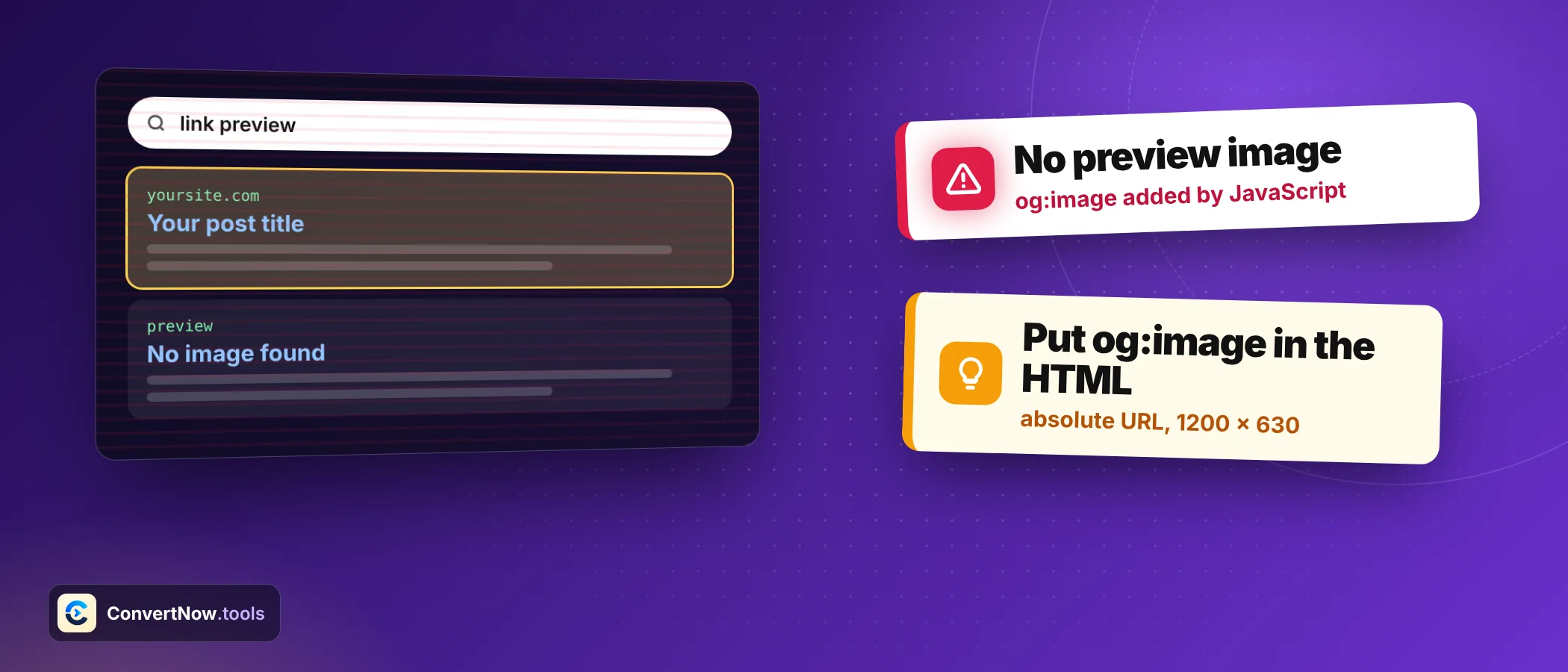
You paste a link into a chat or a post and the card appears with a grey box, a tiny square, or an old photo. When an open graph image refuses to show, the cause is almost always one of seven things, and each takes under ten minutes to fix. Start with the symptom table, then work down.
How an open graph image preview gets built
When someone shares a URL, the platform sends a crawler to your page. The crawler reads the meta tags in the head and builds a card from them. It usually does not run JavaScript, so tags added by a script after load are invisible to it.
Four properties are required by the Open Graph protocol: og:title, og:type, og:image and og:url. In practice add og:description too. If the crawler finds no tags, it guesses, and guesses are often bad.
A minimal, correct set of tags
<meta property="og:title" content="Page title">
<meta property="og:type" content="article">
<meta property="og:url" content="https://example.com/page/">
<meta property="og:image" content="https://example.com/img/share.jpg">
<meta property="og:image:width" content="1200">
<meta property="og:image:height" content="630">
<meta name="twitter:card" content="summary_large_image">Find your symptom first
| What you see | Likely cause | Fix |
|---|---|---|
| No image at all | The og:image tag is missing, or the address is relative | Add the tag with a full https address |
| Grey box where the image should be | Image blocked, deleted or behind a login | Open the image address in a private window and fix access |
| Tiny square thumbnail beside the title | Image is smaller than the large card needs | Use 1200 by 630 pixels |
| Old image after you changed it | Platform cached the first scrape | Force a re scrape with the platform tool |
| Wrong image from the page body | Tag missing, so the crawler guessed | Set og:image explicitly |
| Image shows on Facebook but not on X | Missing twitter:card or unsupported file | Add twitter:card and use JPG or PNG |
| Card works for you but not for others | Page serves different tags to bots or visitors | Test the raw HTML a crawler receives |
Enter a page address and see every tag found, the real size of the image, and preview cards for Facebook, X, WhatsApp, Discord and LinkedIn.
Open the Open Graph Tag TesterFix 1: Put the image tag in the HTML itself
Open the page, view source, and search for og:image. Use the source, not the inspector, because the inspector shows the page after scripts have run. If the tag appears only in the inspector, the crawler never sees it.
Single page apps cause this often. Render the tags on the server, or use a prerender step. Also watch for two plugins both writing tags. Duplicate open graph image tags leave the choice to the crawler, and most take the first one.
Fix 2: Give the image a full address
Relative paths such as /img/share.jpg work in your own browser and fail in a crawler. The value must start with https:// and include the host. Mixed content hurts too: an http image on an https page can be dropped.
| Value | Works? | Reason |
|---|---|---|
| /img/share.jpg | No | Relative path, no host |
| //cdn.example.com/share.jpg | Risky | Protocol relative, not all crawlers resolve it |
| http://example.com/share.jpg | Risky | Insecure on an https page |
| https://example.com/share.jpg | Yes | Absolute and secure |
Fix 3: Get the size and shape right
The widely used target for an open graph image is 1200 by 630 pixels, a ratio of about 1.91 to 1. Divide width by height to check any file: 1200 divided by 630 is 1.905. A square image has ratio 1.0 and will usually trigger the small thumbnail layout. Below 200 by 200 most platforms show no image at all.
| Size in pixels | Ratio | Likely result |
|---|---|---|
| 1200 by 630 | 1.91 | Full width card |
| 1600 by 840 | 1.90 | Full width card, sharper on large screens |
| 800 by 418 | 1.91 | Large card, softer image |
| 1080 by 1080 | 1.00 | Small square thumbnail |
| 400 by 400 | 1.00 | Small square thumbnail |
| 150 by 150 | 1.00 | Often no image |
Declare the size with og:image:width and og:image:height. Crawlers can then lay out the card without downloading the file first. Keep the file well under 5 MB, use JPG or PNG, and keep key text away from the edges, since platforms crop differently.
Fix 4: Make sure the crawler may fetch it
Your browser has cookies and a good reputation. A crawler has neither. If the image sits behind a login, a hotlink rule, a firewall that challenges unknown bots, or a robots.txt rule that blocks the image folder, the card shows nothing.
- Open the image address in a private windowIf it asks you to sign in or does not load, the crawler cannot load it either.
- Check the response codeRun curl I with the image address. You want 200. A 403 or 401 means access rules. A 301 chain to another host can also confuse some crawlers.
- Review bot rulesLook at the firewall, CDN and hotlink protection settings for rules that block social crawlers by user agent.
- Check robots.txtMake sure the image folder is not disallowed. A guide to robots.txt rules shows the syntax.
A square image has a ratio of 1.0. Large cards expect about 1.91 to 1, so most platforms fall back to the compact layout with a small thumbnail.
Fix 5: Add the X card tag alongside
X falls back to your Open Graph values when its own tags are missing, but without a twitter:card tag it may use a smaller default layout. Add twitter:card with the value summary_large_image to get the wide format. Dedicated twitter:title, twitter:description and twitter:image tags give you finer control, and they take priority when present.
Fix 6: Force a fresh scrape
This is the most misunderstood problem. Your tags can be perfect and the preview still shows the old image, because the platform stored the first version. The tester always fetches fresh, so it shows your current tags. Other people may still see the cached card.
| Platform | What to do |
|---|---|
| Paste the URL into the Sharing Debugger and choose Scrape Again | |
| Paste the URL into the Post Inspector to refresh its copy | |
| Discord and Slack | Usually re fetch on a new share; try a fresh message, or add a harmless query string to the link |
| X | Allow time for its cache to expire, and test with the card tag set correctly |
If you replace share.jpg with a new picture under the same name, some caches keep the old file. Save the new one as share_v2.jpg and update the tag. A new address forces a new download.
Fix 7: Serve the same tags to everyone
Some sites send crawlers a different page than visitors, through A/B testing, geolocation redirects or bot protection. Then the card you test differs from the card platforms build. Compare the HTML a crawler gets with what you see, and remove any rule that changes the head for bots.
A diagnostic order that saves time
Open graph tags do not affect rankings directly, but a good card changes how many people click. If you are tagging campaign links as well, see what UTM parameters are, and generate the rest of your page tags with the Meta Tag Generator. The Canonical Tag Checker is worth running on the same URL, since og:url should match your canonical address.
Open graph image questions answered
Why is my open graph image not showing?
The usual causes are a missing tag, a relative address, an image the crawler cannot reach, a size that is too small, or a cached earlier scrape. Work through the symptom table to find which applies.
What size should an og:image be?
Use 1200 by 630 pixels, a ratio of about 1.91 to 1, as a JPG or PNG under 5 MB. Smaller or square images often produce a small thumbnail instead of a wide card.
Why does my preview still show the old image after I updated it?
Platforms cache the first scrape of a link, sometimes for days. Use the Facebook Sharing Debugger or the LinkedIn Post Inspector to refresh, and rename the image file if the address stayed the same.
Do I need Twitter card tags if I already have Open Graph tags?
Not strictly, because X falls back to Open Graph values. Adding twitter:card with summary_large_image makes sure you get the wide layout, and dedicated tags give more control.
Can the image tag use a relative path?
No. Crawlers need a full address that starts with https and includes the host. A relative path works in your browser and fails in a crawler.
Do open graph tags help rankings?
They are not a direct ranking factor. They shape how your link looks when shared, which affects clicks and shares, and that can bring traffic indirectly.
Sources: The Open Graph protocol