

Date and Time Blog: Calendars, Zones, and Math
Counting Instructional Days Academic Calendar Basics
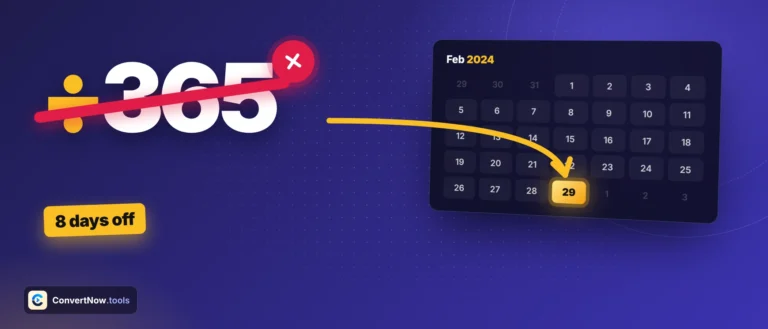
Counting Instructional Days Academic Calendar Basics Counting instructional days academic calendar planning comes down to one method: start with the total number of calendar days in the school term, subtract
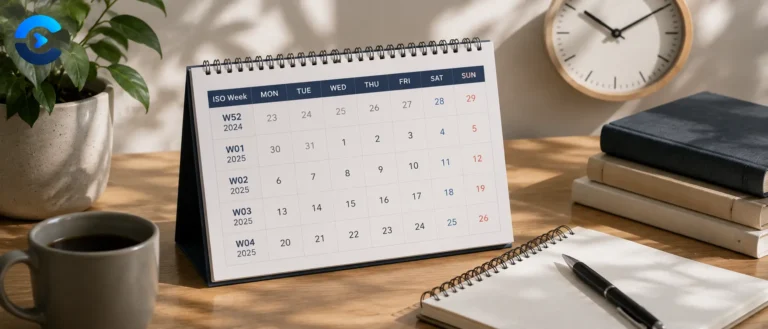
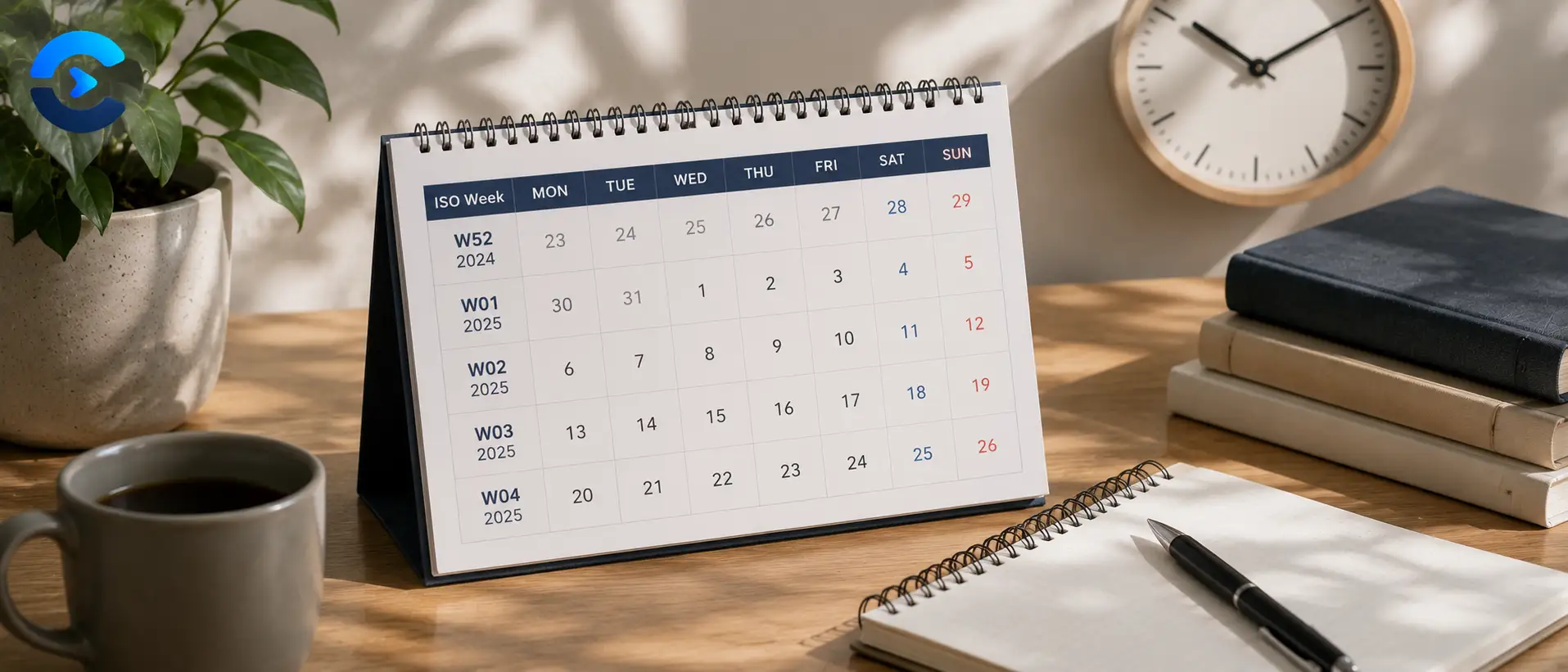
ISO Week Number Explained: Why Week 1 Shifts
ISO Week Number Explained: Why Week 1 Shifts In the ISO 8601 standard, week 1 of a year is not the week that contains January 1. It is the week
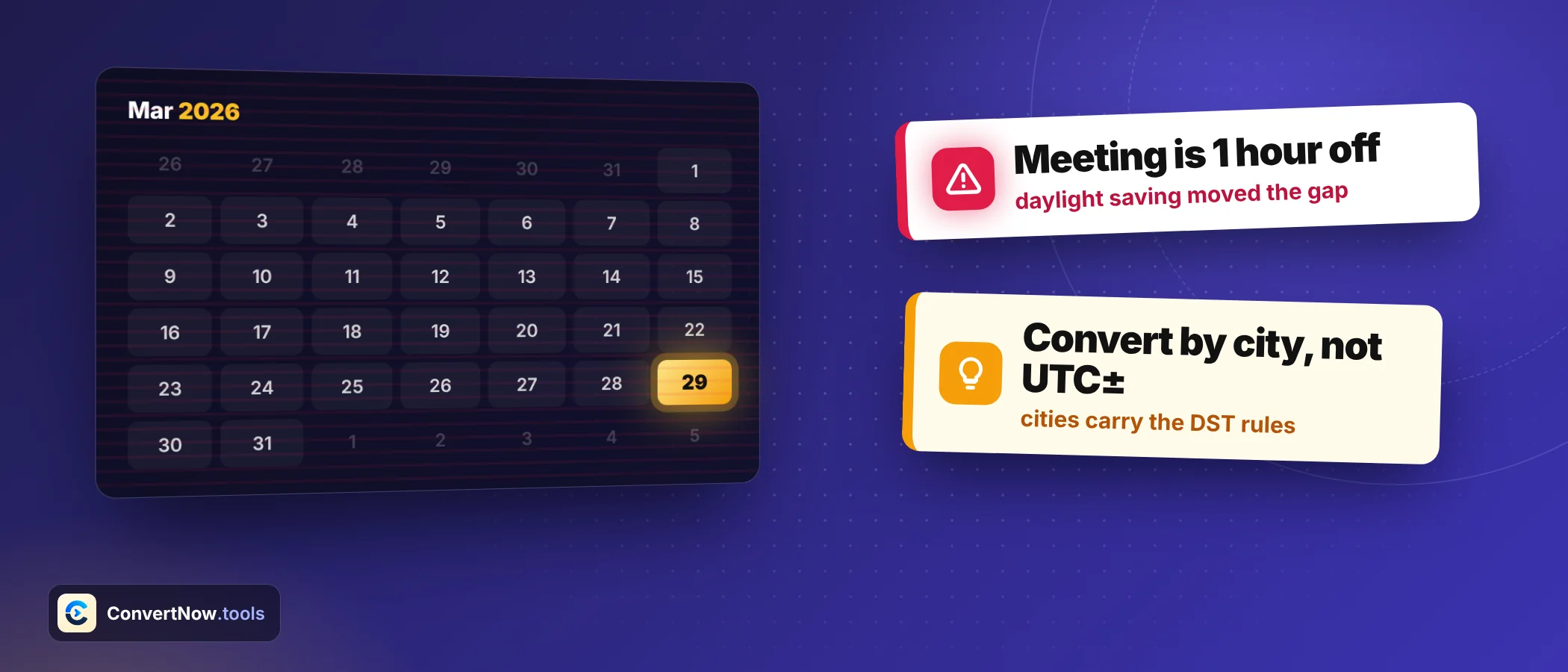
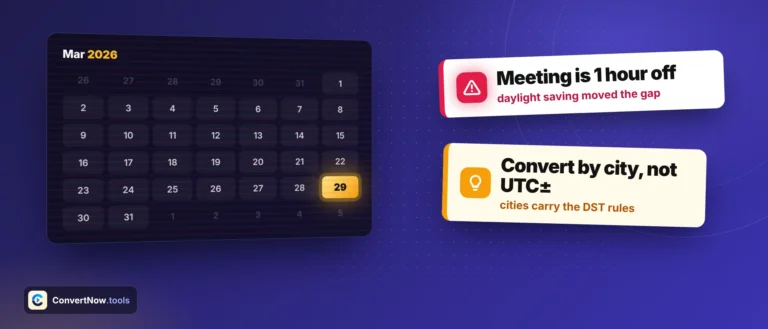
How to Schedule Meetings Across Timezones Easily
How to Schedule Meetings Across Timezones Easily The fastest way to learn how to schedule meetings across timezones without errors is to stop converting pairwise between every participant’s local time.
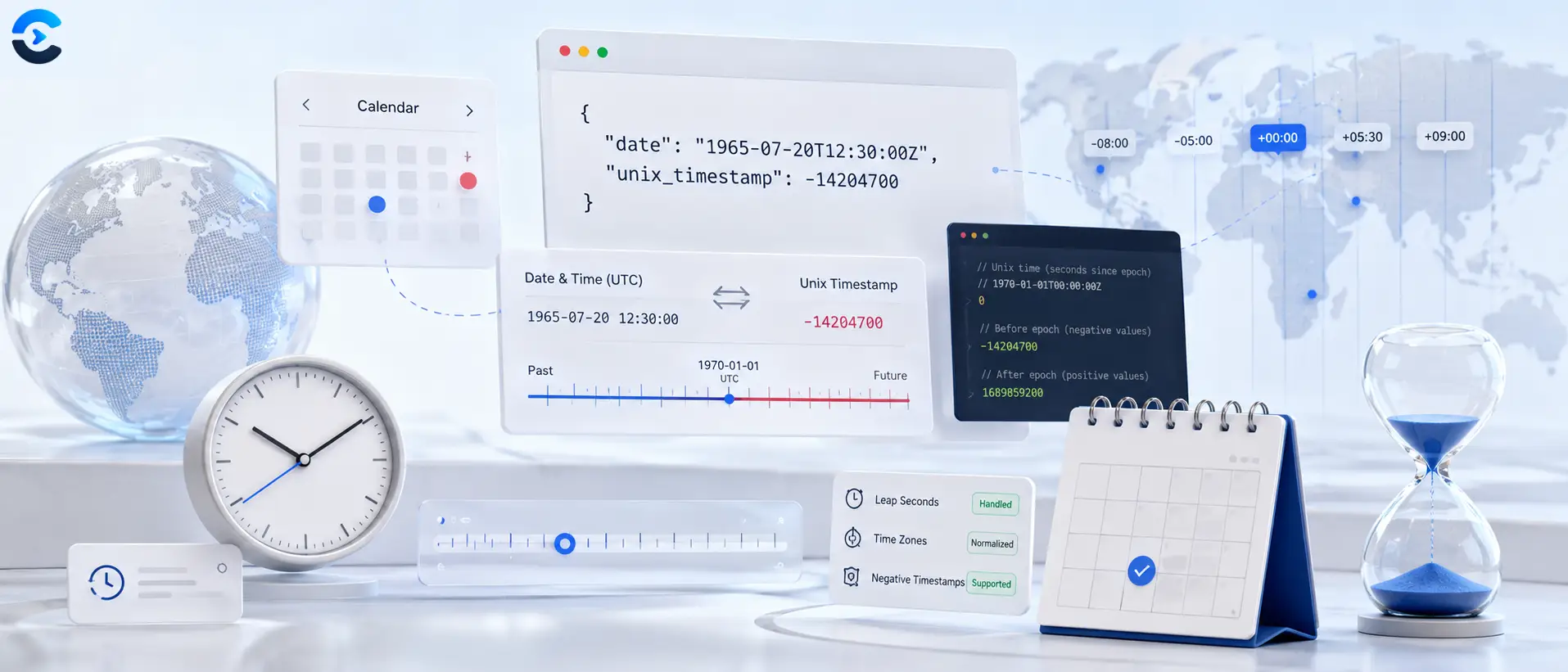
Historical Dates: Unix Timestamp Before 1970 Explained
Historical Dates: Unix Timestamp Before 1970 Explained Standard Unix time counts seconds since January 1, 1970, so representing a unix timestamp before 1970 requires a negative number instead of the
Other Posts
The one thing computers and humans both get wrong
Date arithmetic looks trivial and is famously not. Months have different lengths, years occasionally have an extra day, clocks jump forward, and somewhere a country changes its timezone rules with three weeks notice.
Most date bugs come from treating a date as a number line. It is not. Adding one month to 31 January has no obvious correct answer, and different systems disagree about whether it lands on 28 February, 2 March, or an error. Adding twenty four hours to a timestamp is not the same as adding one day if a daylight saving boundary sits in between.
Timezones are the deeper problem, because they are political rather than astronomical. Offsets change by legislation, historical dates in a database may have been stored under rules that no longer exist, and the abbreviation CST refers to at least three different offsets depending on the country. These posts explain what UTC actually guarantees, why storing local time is a trap, and what the ISO 8601 format buys you.
On the practical side, there are guides to counting working days around public holidays, calculating an exact age in years, months and days, and reading a Unix timestamp without guessing whether it is in seconds or milliseconds.
What you will find here
- Timezone and daylight saving explanations that hold up in edge cases
- Why ISO 8601 and UTC are worth the small extra effort
- Working day, deadline and age calculations done precisely
- Unix timestamp explainers, including the 2038 problem
Questions about date and time blog
Short answers to what readers ask most about this category and the tools behind it.
Because they disagree about month boundaries. Some count whole months then leftover days, some convert everything to days and divide by an average month length. Around the end of a month and around a leap day the two methods diverge by a day. Our Age Calculator counts calendar months first, which matches how people say their age out loud.
In UTC, in an unambiguous format, with the original timezone stored separately if it matters to the user. Local time without an offset is the single most common source of date bugs, because the rules that defined that local time can change later and there is no way to recover the intent.
It handles weekends automatically and lets you exclude specific dates for holidays, because holiday calendars vary by country, by region and sometimes by industry. Feeding in your own list is more reliable than trusting a built in calendar that may not cover your location.
Both exist, which is exactly the problem. Unix time is defined in seconds since 1 January 1970 UTC, but JavaScript and many APIs use milliseconds. A quick check: a current timestamp in seconds is ten digits, in milliseconds it is thirteen. The Unix Timestamp Converter detects and handles both.
Systems storing Unix time in a signed 32 bit integer run out of room on 19 January 2038 and wrap around to 1901. Modern 64 bit systems are unaffected, but embedded devices and old file formats are not, and the failure mode is silent rather than loud. There is a full explainer in this category.
Yes, for anything showing the current time, along with your system timezone database. That means the result matches what the rest of your machine believes. If your system clock is wrong, so is the tool, which is worth knowing before you trust a timestamp.