

Twitter Character Limit: 9 Smart Checks Before You Post
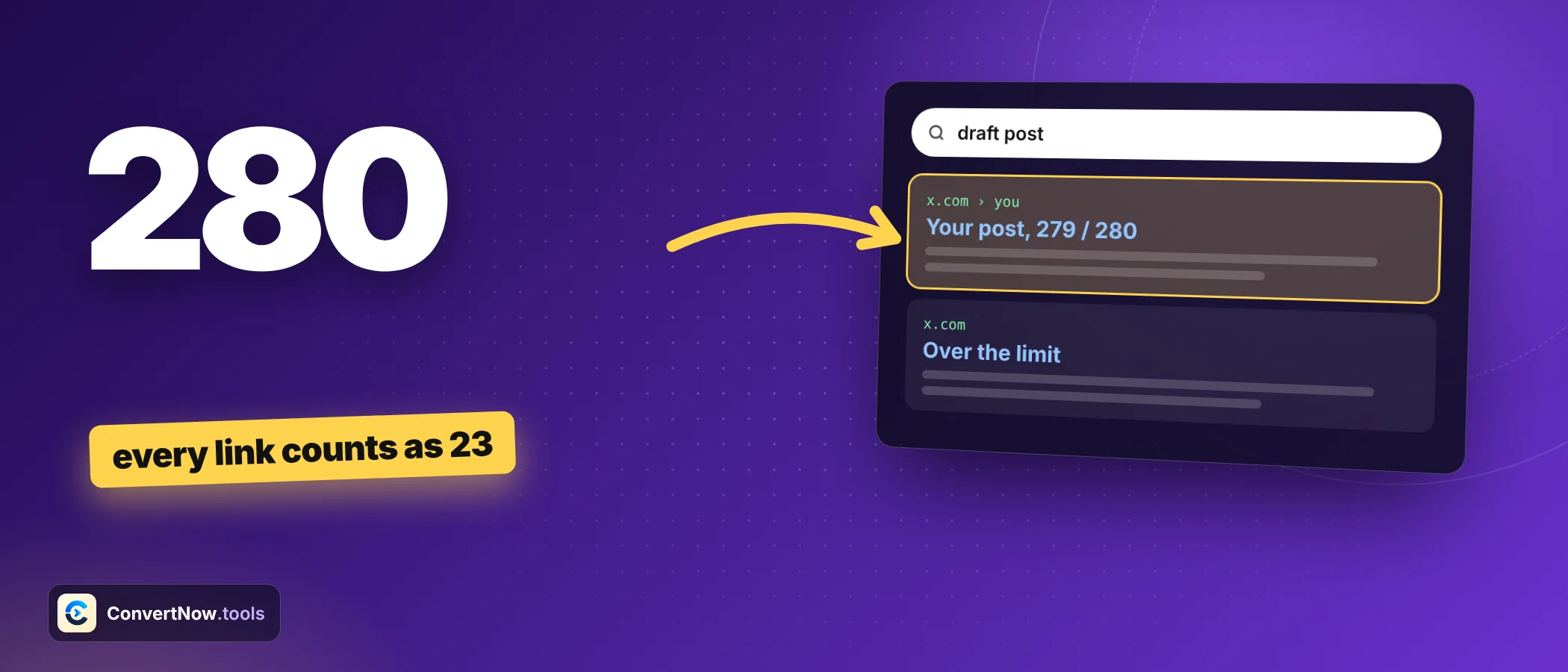
SEO and MarketingThe Twitter character limit for a standard post is 280, and the number you see in a text editor is not the number X uses. Links, emoji and some scripts are weighted differently, so a post can look short and still be rejected. This playbook gives you a repeatable routine, with the reasons behind every step.
The Twitter character limit weighting rules in one table
X publishes its counting rules in its developer documentation. They come from the Unicode idea of character width, which treats some characters as double wide. Memorise this table of the Twitter character limit and most surprises disappear.
| Item | Cost | Notes |
|---|---|---|
| Latin letters, digits, punctuation | 1 each | Spaces count too |
| Any link | 23 flat | A 10 character link and a 300 character link cost the same |
| Emoji | 2 each | Skin tones and joined sequences still count as one emoji |
| Chinese, Japanese, Korean characters | 2 each | So 140 is the most you can fit |
| Hashtags | Normal | The hash symbol counts as a character |
| Mentions you type | Normal | Mentions auto added at the start of a reply do not count |
| Attached media | 0 | Images and video do not use up characters |
Playbook step 1: Draft first, count second
Write the post the way you would say it. Cutting words while you draft often removes the best parts. Check the Twitter character limit when the idea is finished. The counter updates as you type, so you can watch the ring fill and decide what to trim with the total in view.
Playbook step 2: Count with real maths
Do the sums at least once by hand so you trust the tool. Each example below uses the same method: count the text, add 23 for each link, add 2 for each wide character.
| Post | Typed characters | Weighted total | Fits in 280? |
|---|---|---|---|
| 180 letters, a space, then a link of 83 characters | 264 | 204 | Yes, 76 left |
| 200 letters, a space, then the same 83 character link | 284 | 224 | Yes, though a plain count says no |
| 140 Japanese characters | 140 | 280 | Yes, exactly full |
| 141 Japanese characters | 141 | 282 | No, 2 over |
| Launch day with 3 emoji and 100 more letters | 114 | 117 | Yes |
Look at row two. A plain editor says 284 and warns you. X counts 224 and accepts it. The reverse also happens with emoji and non Latin scripts, which is why a plain count is unsafe in both directions.
Playbook step 3: Handle links
Every link is wrapped in a t.co address and costs 23, so a link plus the space before it takes 24. That leaves 256 characters for text in a post with one link. Two links leave 232. Plan the words around that fixed block of the Twitter character limit instead of finding out at the end.
A short link costs 23 anyway. Spend your effort on the words. Keep readable links and add tracking parameters if you need them, since the length of the address does not matter to the count. The guide to tracking campaigns with UTM shows how to tag them cleanly.
Playbook step 4: Trim without losing meaning
When you are over the Twitter character limit, cut in this order: filler first, then long phrases, then whole sentences. Each swap below is exact and saves the number shown.
| Before | After | Characters saved |
|---|---|---|
| approximately | about | 8 |
| in order to | to | 9 |
| because of the fact that | because | 17 |
| at this point in time | now | 18 |
| a large number of | many | 13 |
| due to the fact that | since | 15 |
| Please let us know | Tell us | 11 |
Two or three of these swaps free up 40 or more characters, which is often a whole extra clause. Read the result aloud. If it still sounds like you, keep it.
Playbook step 5: Split into a thread when it will not fit
Some ideas outgrow the Twitter character limit and deserve more than one post. A thread works best when each post stands alone and ends on a point. The counter splits text word by word and holds back 8 characters from every post for a numbering suffix such as 3/7, so each part still fits after numbering.
| Total characters | Calculation | Posts needed |
|---|---|---|
| 600 | 600 divided by 272 is 2.2 | 3 |
| 1000 | 1000 divided by 272 is 3.7 | 4 |
| 1500 | 1500 divided by 272 is 5.5 | 6 |
| 6000 | 6000 divided by 272 is 22.1 | 23 |
The totals are upper limits, because splitting at word boundaries wastes a few characters each time. Put the hook in post one, since most people never open the rest.
150 for the letters and spaces, 4 for two emoji at 2 each, and 23 for the link gives 177. That leaves 103 characters of room.
Why the limit works this way
The first Twitter character limit was 140 characters, tied to the early design of the service around text messages. In November 2017 it doubled to 280 for most languages. Japanese, Korean and Chinese were the exception, because one character in those scripts carries far more meaning than a Latin letter, so the old 140 already gave writers plenty of room.
The Twitter character limit you see today keeps both worlds under one rule. A Latin letter costs 1 and a CJK character costs 2, so everyone gets the same amount of room in practice. It also explains why emoji cost 2: they use the same wide slot in the Unicode width table.
Common mistakes and their fixes
| Mistake | What happens | Fix |
|---|---|---|
| Trusting the character count of a word processor | A post with a long link looks too long and gets cut for no reason | Count links at a flat 23 |
| Counting emoji as 1 | The post is rejected at the last second | Add 2 per emoji |
| Shortening links to save room | Effort wasted, since every link costs 23 anyway | Keep the original link and spend the effort on the words |
| Forgetting the thread numbers | Each part is exactly 280 and then fails once 3/7 is added | Keep 8 characters spare in every part |
| Planning from the typed count in a non Latin language | The post fits on screen and fails on send | Count every wide character as 2 |
None of these needs special skill to avoid. They only need a habit: count the weighted total, not the typed total, every time you write for X. That one habit makes the Twitter character limit a planning tool instead of a last minute surprise.
Your pre post Twitter character limit checklist
Your weekly planning checklist
Counting is only part of writing well. Check length and clarity with the Word Counter, tidy capitals with the Case Converter, and build tagged links with the UTM Parameter Builder.
Paid X accounts can post much longer text, with the counter page noting up to 25,000 characters. These tiers change, so check your account settings. The 280 limit remains what most people plan around.
Check the Twitter character limit: type or paste your draft to see the weighted count, a live ring, highlighted links, mentions and hashtags, and an automatic thread split.
Open the Twitter and X Character CounterFrequently asked questions
What is the Twitter character limit now?
A standard post can hold 280 weighted characters. Paid accounts can write longer posts, but the limits for those tiers can change.
Why does a short link count as 23 characters?
X wraps every link in a t.co address for tracking and safety checks. The wrapped link has a fixed cost of 23, no matter how long or short the original was.
Do emoji count as 2 characters?
Yes. Each emoji costs 2, including emoji with skin tones and joined sequences, which count as a single emoji.
How many Japanese characters fit in one post?
140. Chinese, Japanese and Korean characters cost 2 each, so 140 of them fill the 280 limit exactly.
Do hashtags and mentions count toward the limit?
Yes, they count like normal text, including the hash or at symbol. The only exception is the mentions that X adds automatically at the start of a reply.
How do I turn a long text into a thread?
Split it at sentence or word boundaries into parts of about 270 characters or fewer, and add numbering such as 1/5 to each part. A counter with a thread splitter does this automatically.