Where the data goes, which algorithms to trust, and what these tools cannot do.
Which of these tools send data over the network?
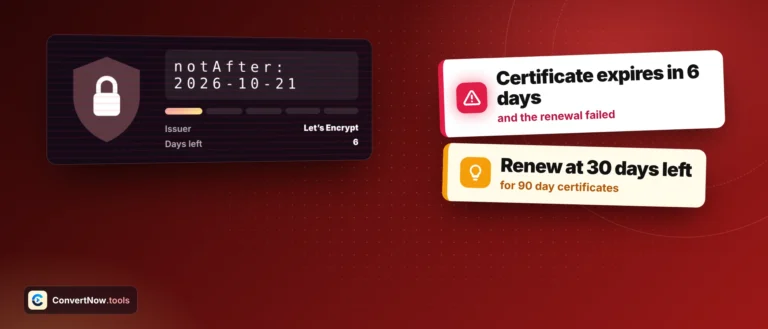
Three of them, and only because they have to. The SSL certificate checker, DNS lookup and HTTP header checker send the domain or URL you enter, since the answer lives on a remote server. The password generator, strength tester, HMAC generator and both policy generators send nothing at all.
Is it actually safe to generate a password here?
Yes. Randomness comes from crypto.getRandomValues, the browser cryptographic random number generator, and the result is never transmitted. If you would rather not trust any website with this, a password manager generating locally is the stronger habit and we would recommend it.
Can you reverse a hash back to the original?
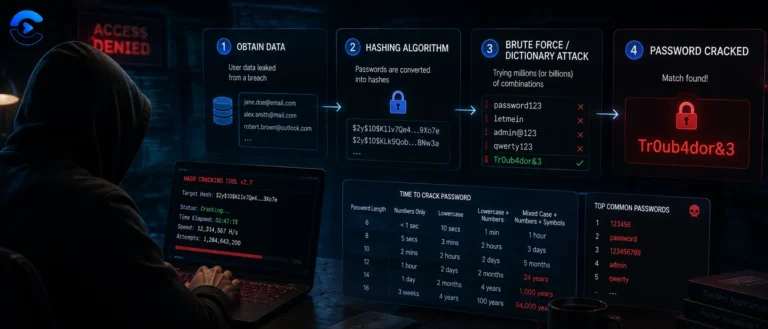
No. Hashing is one way by design. What attackers do instead is hash enormous lists of likely inputs and compare, which is why common passwords appear in rainbow tables. It is also why password storage needs a slow salted algorithm rather than a fast hash.
Why do you still offer MD5 and SHA-1 if they are broken?
Because people need to verify legacy output, check an old checksum or reproduce a hash a third party system generated years ago. Offering an algorithm is not endorsing it, which is why the status board on this page marks both as broken rather than listing them neutrally.
Should I use SHA-256 to store passwords?
No. Fast hashing is the problem, not the solution, because speed helps the attacker far more than you. Use bcrypt, scrypt or Argon2, which are deliberately slow and salted. SHA-256 is right for integrity checks and signatures, not password storage.
Is the generated privacy policy legally sufficient?
It is a solid starting draft, not a finished document. It does not know your jurisdiction, your data processors, your retention periods or your international transfer arrangements. Have someone qualified review it before you publish, particularly if you operate in the EU or handle special category data.
What is the strength meter actually measuring?
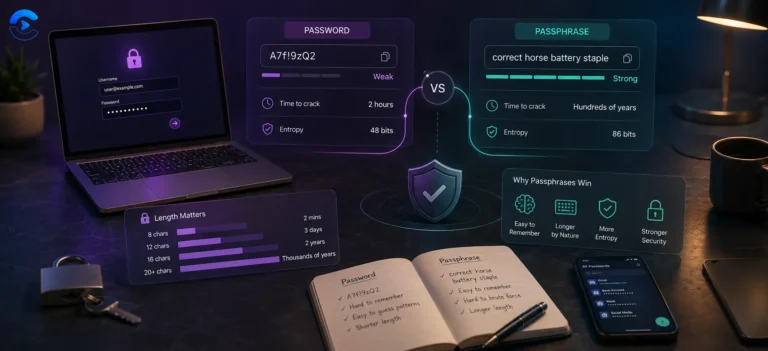
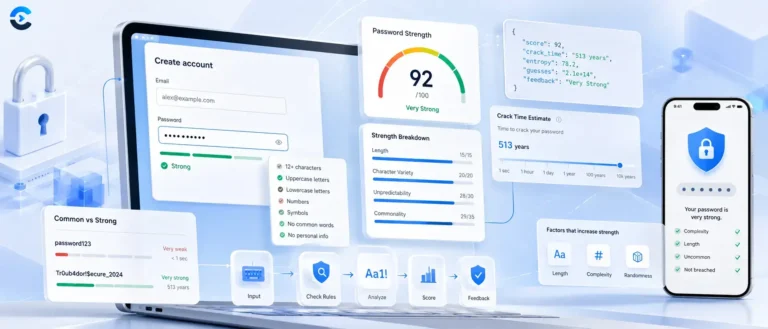
Entropy in bits, which is a property of how a password was generated rather than how complicated it looks. Four random words score far higher than a short string full of symbol substitutions, because entropy comes from the number of equally likely alternatives.
Do you keep a record of the domains I look up?
No. Lookups are performed on demand and rendered straight to the page. Nothing is stored against you, no history is kept, and DNS queries go through an encrypted DNS over HTTPS resolver rather than plain port 53.