
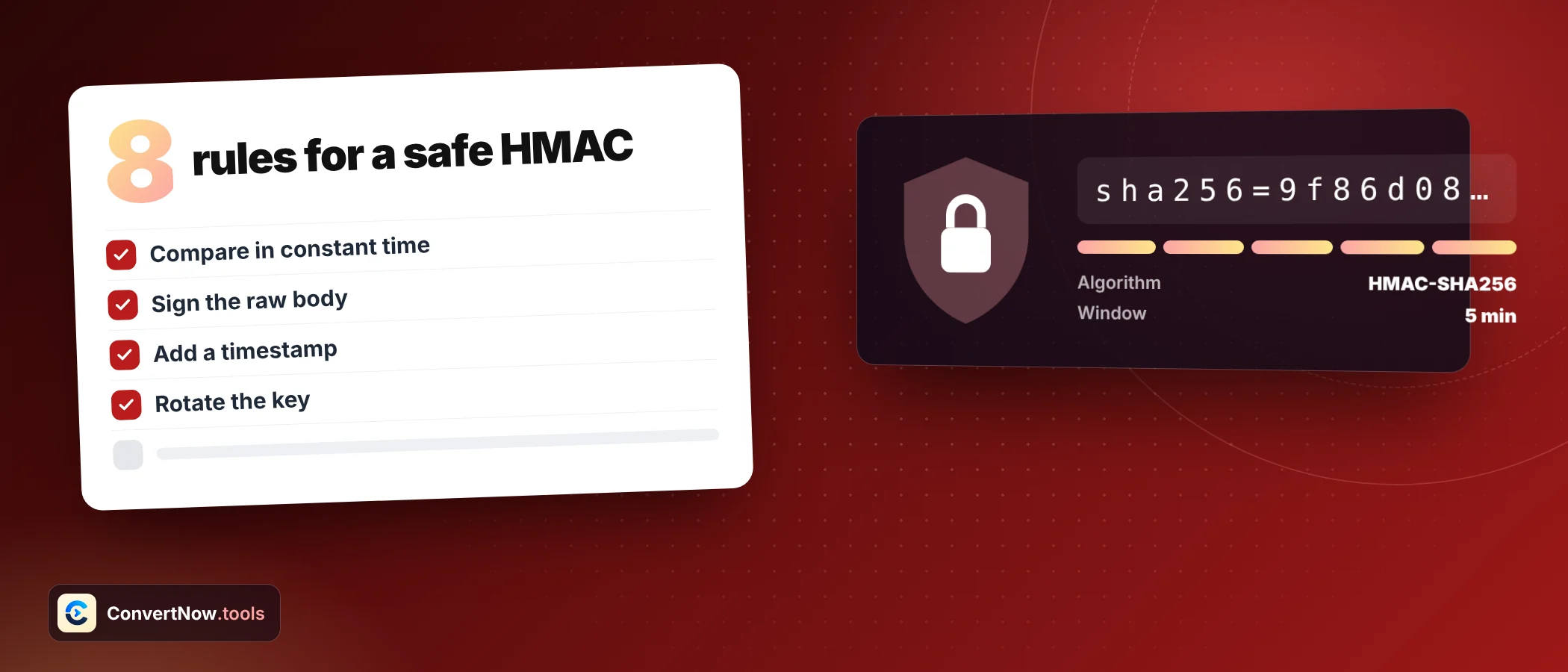

HMAC Signature: 8 Essential Rules for Safe Signing
An HMAC signature is a short tag that proves two things at once: the message came from someone who holds a shared secret, and nobody changed it on the way. Getting one wrong almost never throws an error. The signature simply fails to match, and you lose an afternoon.
This guide gives you eight rules that prevent most of those afternoons, a lookup table for sizes and formats, and one example with a known answer so you can test your own code.
What an HMAC signature is made of
HMAC stands for keyed hash message authentication code. It is defined in RFC 2104. The idea is simple. You mix a secret key into a hash function in two layers, so that only someone with the key can produce the same output. That is the whole structure of an HMAC signature.
The key is padded to the block size of the hash. It is combined with two fixed byte patterns: 0x36 repeated for the inner layer, and 0x5C repeated for the outer layer. The inner hash covers your message. The outer hash covers the inner result. That double wrapping is what makes HMAC safe where a plain hash of key plus message is not.
| Algorithm | Block size | Output bytes | Hex characters | Base64 characters (padded) |
|---|---|---|---|---|
| HMAC SHA1 | 64 | 20 | 40 | 28 |
| HMAC SHA256 | 64 | 32 | 64 | 44 |
| HMAC SHA384 | 128 | 48 | 96 | 64 |
| HMAC SHA512 | 128 | 64 | 128 | 88 |
Keep this table nearby. If your signature has the wrong length, you are using a different algorithm than the other side, or you truncated it, or you encoded it twice. A wrong length is the fastest clue that an HMAC signature was built differently.
Eight rules for safe signing
Each rule below comes with the reason behind it. Skim the headings if you are in a hurry, and read the reasons when something refuses to match. Most real failures trace back to rules one and five, so start there.
- Sign the exact bytes you sendWebhook providers sign the raw request body. If your framework parses the JSON and you sign the re serialised version, a single space or reordered key changes the result. Read the raw body first, verify, then parse.
- Use SHA256 or stronger for new workHMAC with SHA1 is not broken the way a bare SHA1 hash is, but there is no reason to pick it today. SHA256 costs almost nothing extra and removes the question in every security review.
- Make the key at least as long as the hash outputRFC 2104 sets the minimum recommended key length at the hash output size, so 32 bytes for SHA256. Shorter keys are strongly discouraged. Keys longer than the block size are hashed first, which adds no strength.
- Generate the key randomlyA phrase you can remember is a phrase an attacker can guess offline, because the signature gives them something to test guesses against. Use a cryptographic random generator and store the result as hex or Base64.
- Agree on key encoding in writingThe text mysecret and the same characters read as hex are different keys. Decide whether the key is UTF 8 text, hex or Base64, and record it next to the secret. This single point causes more mismatches than any other.
- Compare in constant timeA normal string comparison stops at the first differing byte, and that timing leak can be measured. Use a constant time function such as hmac.compare_digest in Python or crypto.timingSafeEqual in Node.
- Put a timestamp inside the signed dataA valid signature stays valid forever unless you say otherwise. Sign the timestamp together with the body, then reject anything older than a few minutes. That stops an attacker replaying a captured request.
- Never build the tag as hash of key plus messagePlain SHA256 of key followed by message is open to length extension: an attacker who knows the tag can append data and compute a valid new tag without the key. HMAC is built to avoid exactly this. Do not invent a shortcut.
RFC 2104 allows keeping only the left part of the output, but not less than half the hash length and not less than 80 bits. Cutting a SHA256 tag to 8 hex characters leaves 32 bits, which can be guessed.
SHA256 gives 32 bytes. Written as hex that is 64 characters from 0 to 9 and a to f. Base64 would be 44 characters and Base64URL 43.
Which format goes where
The signature is raw bytes. How you write those bytes down is a separate decision, and both sides must pick the same one. The tool shows all three at once, so you can copy whichever the other system expects. Agree on the format first, because an HMAC signature looks different in each one.
| Format | Length | Characters used | Typical home |
|---|---|---|---|
| Hex | 64 | 0 to 9, a to f | Signature headers, logs, debugging |
| Base64 | 44 with one equals sign of padding | A to Z, a to z, 0 to 9, plus, slash | JSON bodies, some cloud APIs |
| Base64URL | 43, no padding | Same, with minus and underscore | Query strings, JWT signature segment |
JSON Web Tokens that use HS256 are exactly this: an HMAC SHA256 signature over the encoded header, a dot, and the encoded payload, written as Base64URL. If you decode tokens often, the JWT Decoder shows the pieces.
A worked example you can reproduce
RFC 4231 publishes test vectors, so you can check any implementation against a known answer. Use the key Jefe and the message what do ya want for nothing? Enter both as UTF 8 text and you should see these results.
| Algorithm | Hex result |
|---|---|
| SHA1 | effcdf6ae5eb2fa2d27416d5f184df9c259a7c79 |
| SHA256 | 5bdcc146bf60754e6a042426089575c75a003f089d2739839dec58b964ec3843 |
| SHA384 | af45d2e376484031617f78d2b58a6b1b9c7ef464f5a01b47e42ec3736322445e8e2240ca5e69e2c78b3239ecfab21649 |
| SHA512 | 164b7a7bfcf819e2e395fbe73b56e0a387bd64222e831fd610270cd7ea2505549758bf75c05a994a6d034f65f8f0e6fdcaeab1a34d4a6b4b636e070a38bce737 |
The same SHA256 signature in Base64 is the 44 character string below, and in Base64URL it loses the final equals sign.
Same signature, three encodings
hex: 5bdcc146bf60754e6a042426089575c75a003f089d2739839dec58b964ec3843
base64: W9zBRr9gdU5qBCQmCJV1x1oAPwidJzmDnexYuWTsOEM=
base64url: W9zBRr9gdU5qBCQmCJV1x1oAPwidJzmDnexYuWTsOEMCreate an HMAC signature: paste your message and key, pick the algorithm and the key encoding, and compare the hex, Base64 and Base64URL results side by side. There is also a verify field for a signature you already have.
Open the HMAC GeneratorHow key encoding changes the result
Take the eight characters abcd1234 and sign the message hello with HMAC SHA256. Read the key as text and you get one tag. Read it as hex, which means four bytes, and you get a completely different one. The text and hex readings of the key give two unrelated HMAC signature values.
| Key input | Key bytes | SHA256 signature starts with |
|---|---|---|
| abcd1234 as UTF 8 text | 8 bytes | fc19ddb51c06e26b |
| abcd1234 as hex | 4 bytes (ab cd 12 34) | b2aec4f512a8f6b7 |
| mysecret as hex | Invalid, s and y are not hex digits | Error, no signature |
A newline at the end of the message or a space at the end of the key changes every byte of the output. If a signature is close to right but never matches, paste the values into the tool and look for invisible characters.
Find out why a signature does not match
What an HMAC signature cannot do
HMAC is not encryption. Anyone can read the message, because the tag sits next to it. It only proves origin and integrity. If you need secrecy, you need encryption as well, and the post on hashing versus encryption explains where the line sits.
HMAC also gives no proof of who signed. Both sides hold the same key, so either could have produced a given tag. When you must prove to a third party that one specific party signed, use a public key signature instead. For a wider tour of real uses, see what HMAC is used for.
One more habit worth keeping: test with fake keys while learning, and use the Hash Generator when you only need a plain digest with no secret involved. The HMAC tool runs through the browser crypto engine and does not send your key anywhere, so real keys are safe to try, but a rotated key is cheaper than a leaked one.
Frequently asked questions
What is an HMAC signature?
It is a fixed length tag computed from a message and a secret key using a hash function. Anyone with the same key can recompute it and check that the message is authentic and unchanged.
Is HMAC the same as a hash?
No. A hash has no key, so anyone can compute it. An HMAC signature needs the secret key, which is why it can prove origin and a plain hash cannot.
How long should an HMAC key be?
At least as long as the hash output, so 32 bytes for SHA256 and 64 bytes for SHA512. Use random bytes from a cryptographic generator, not a typed phrase.
Can an HMAC signature be reversed to find the message?
No. The hash inside is one way, and the key adds a second barrier. An attacker can only guess messages or keys and test them, which is why long random keys matter.
Why does my HMAC signature not match the provider value?
The usual causes are a wrong key encoding, a re serialised body, hidden whitespace, a different hash, or a different output format. Work through the diagnostic checklist above in order.
Is HMAC SHA1 still secure?
Collision attacks on SHA1 do not break HMAC with SHA1, so existing systems are not in immediate danger. For new designs, choose SHA256 or stronger anyway.
Sources: RFC 2104: HMAC, Keyed Hashing for Message Authentication