File and Document Blog: Conversion Guides
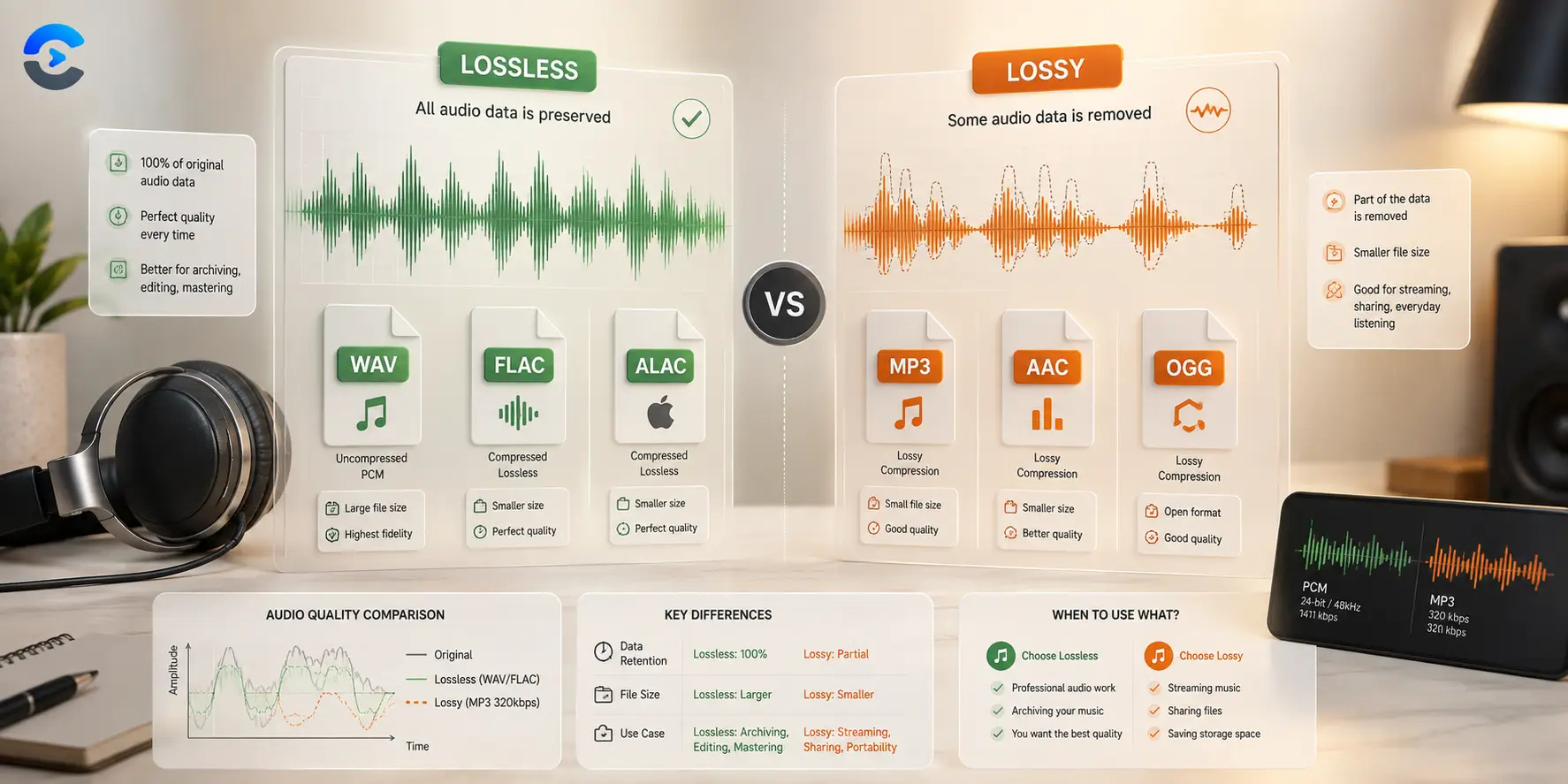
When Do You Need Lossless Audio Instead of MP3
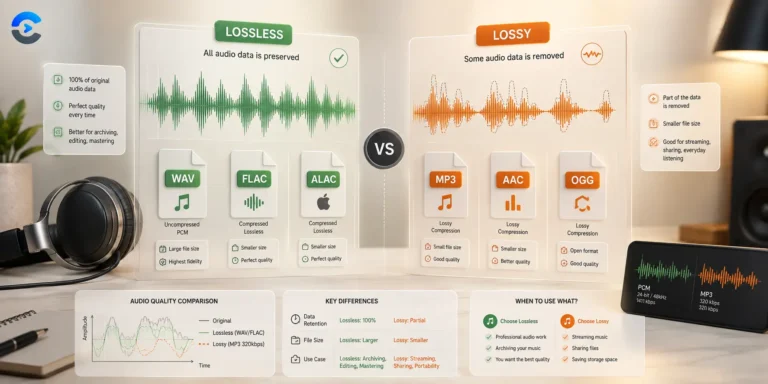
When Do You Need Lossless Audio Instead of MP3 You need lossless audio, such as WAV or FLAC, when you are archiving a master recording or running audio through multiple
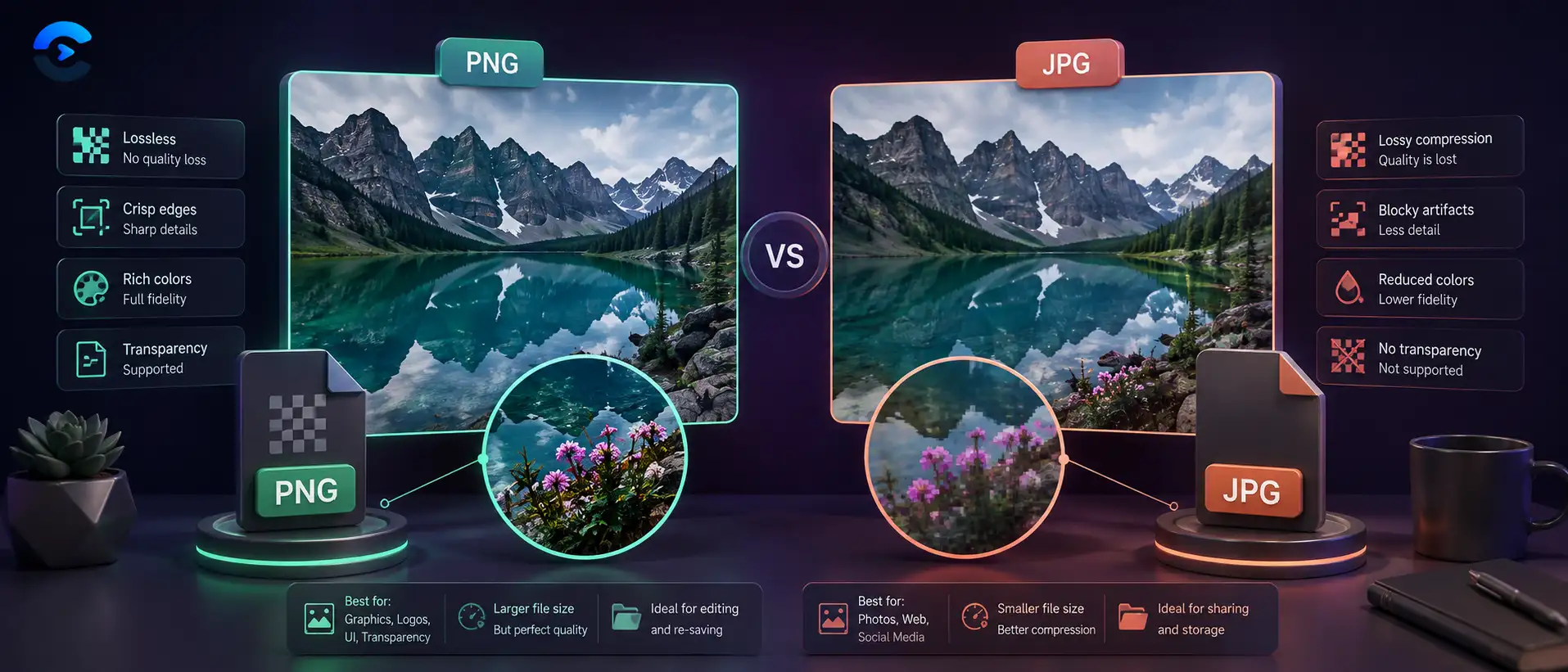
PNG vs JPG Quality Difference: When Each Format Wins
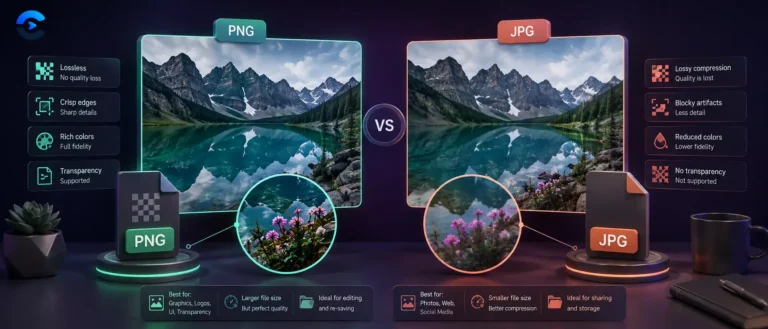
PNG vs JPG Quality Difference: When Each Format Wins PNG wins for flat color graphics, logos, and text because it never throws away pixel data, while JPG wins for photographs
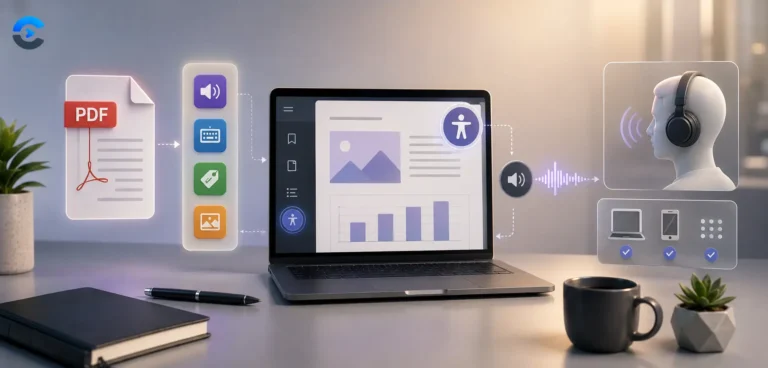
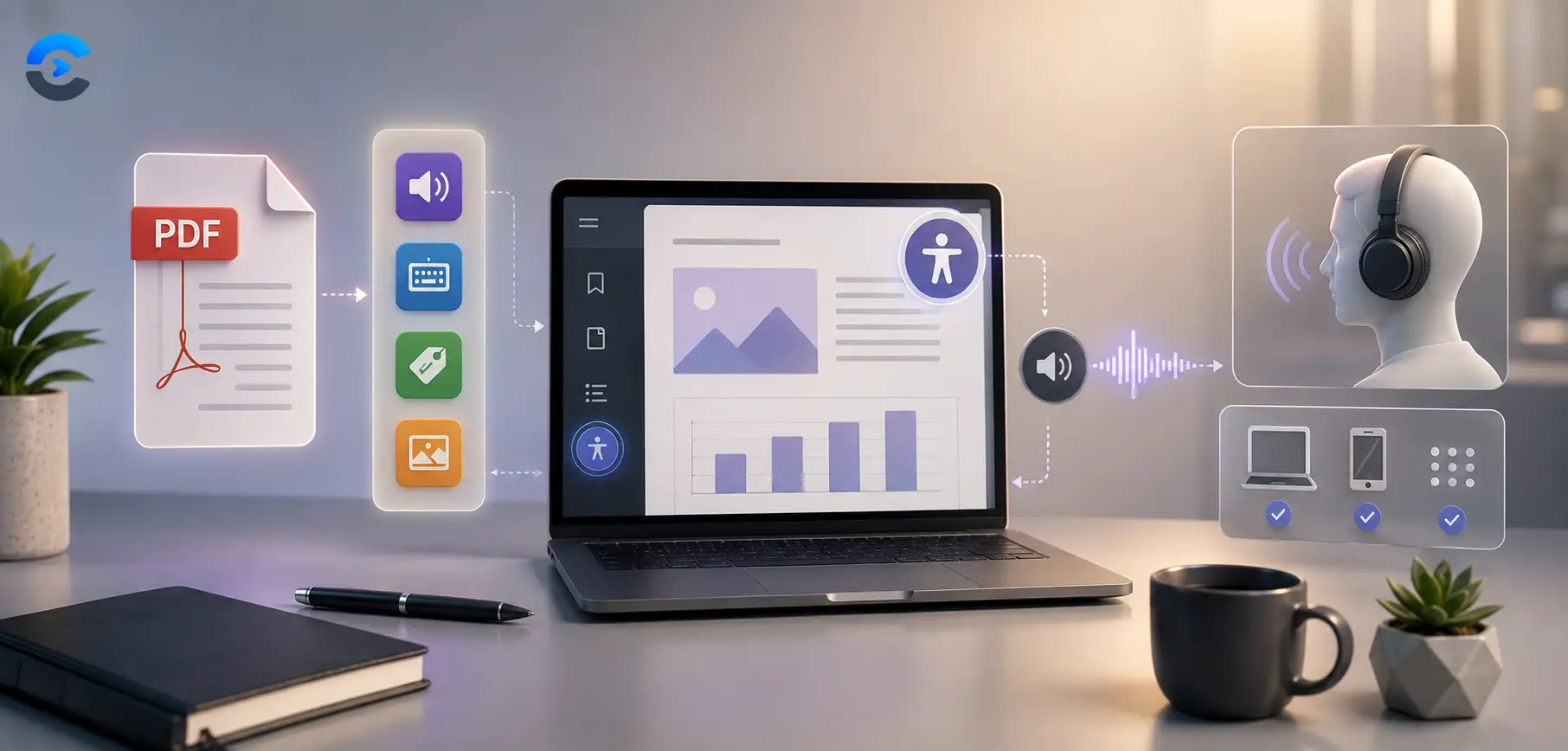
PDF Accessibility Screen Reader Failures Explained
PDF Accessibility Screen Reader Failures Explained A document can pass every visual check and still fail a pdf accessibility screen reader test, because screen readers do not see the page
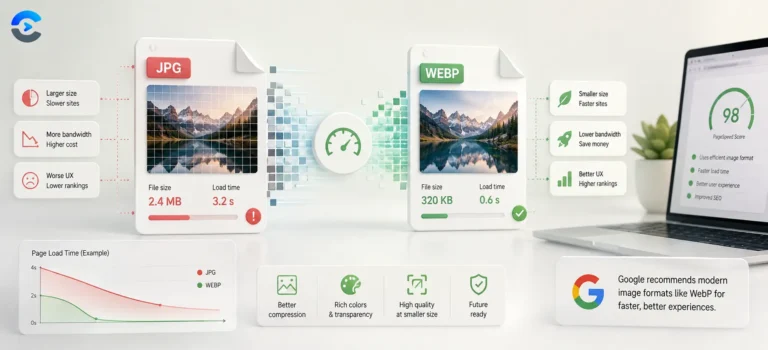
What Is WebP and Why Use It Instead of JPG
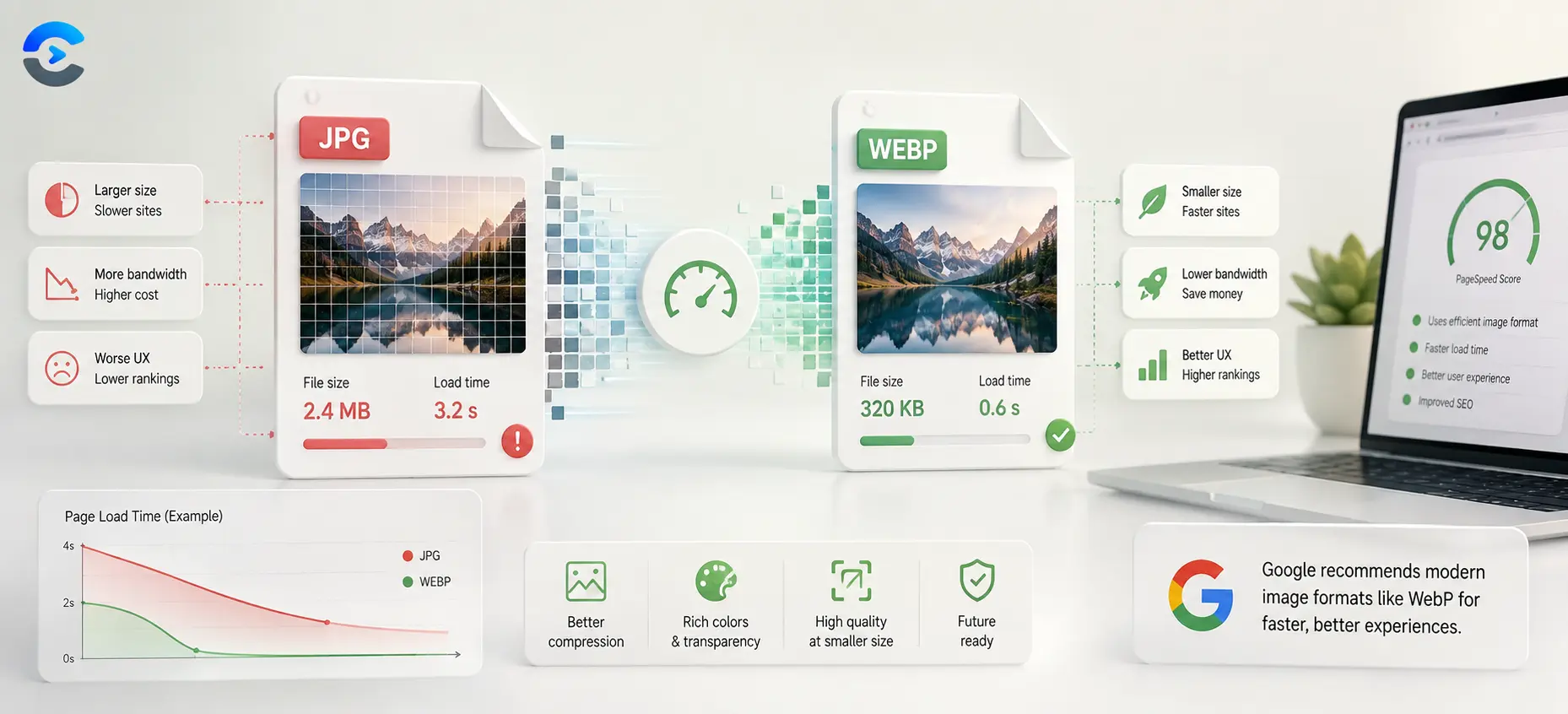
What Is WebP and Why Use It Instead of JPG WebP is an image format built by Google that compresses photos to a smaller file size than JPG while keeping
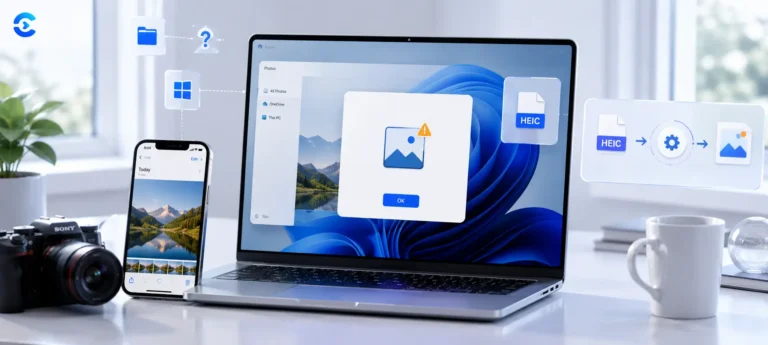
Why Wont HEIC Photos Open on Windows? Here’s the Fix
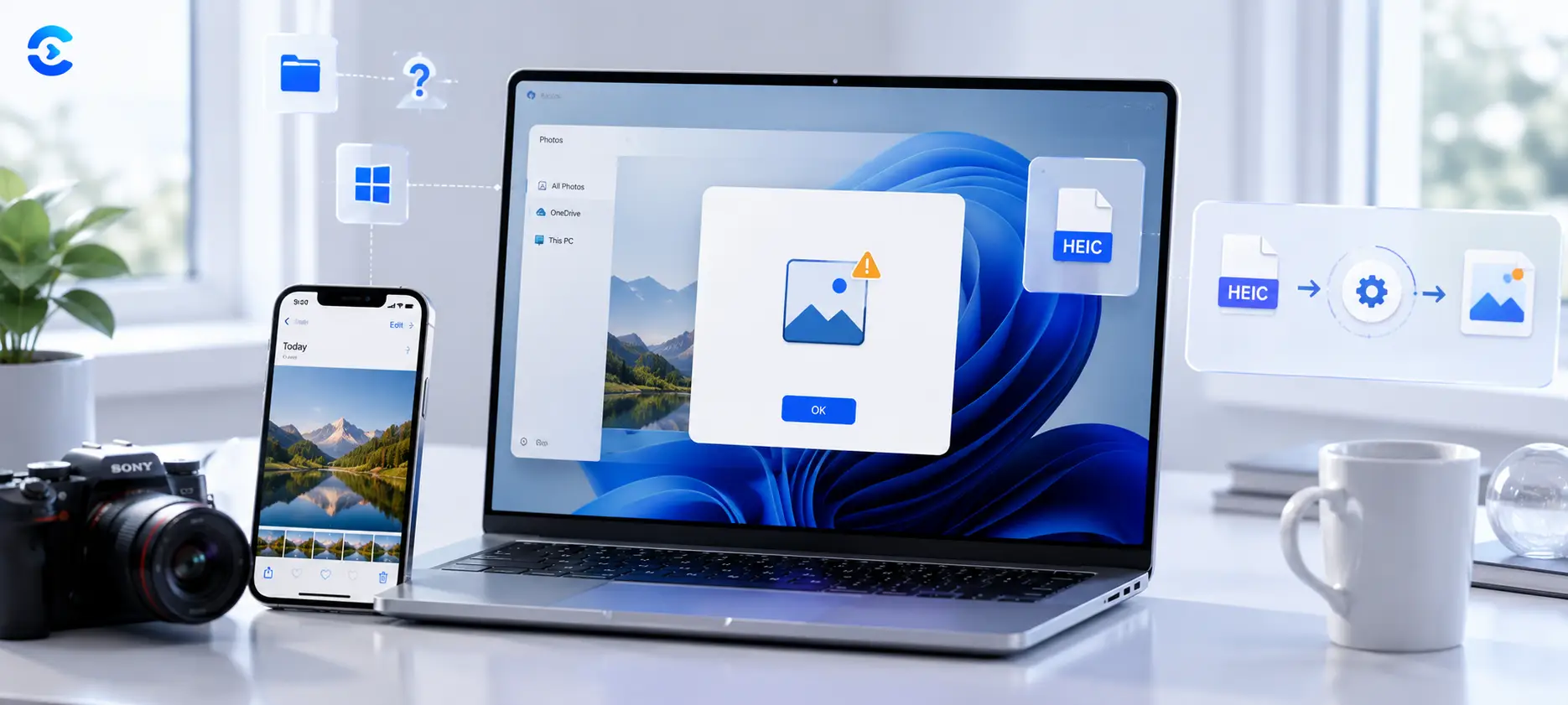
Why Wont HEIC Photos Open on Windows? Here’s the Fix HEIC photos wont open on Windows or many Android phones because HEIC is a newer Apple compression format that those

Other Posts
Why the file will not open, and what to do about it
File format problems arrive at the worst possible moment. An upload rejected at five megabytes, a PDF that will not let you edit one wrong digit, a video that plays everywhere except the one place it needs to.
Conversion is rarely lossless and knowing where the loss happens saves a lot of frustration. A PDF made from a Word document keeps its text and converts back reasonably well. A PDF made from a scan is a picture of text, and getting words out of it needs OCR rather than conversion, which is a completely different operation with completely different failure modes.
Compression is the other recurring theme. For images, resizing first removes far more data than any quality slider, because you are deleting pixels rather than approximating them. For video, bitrate is the dial that matters and there is a fairly sharp point where blocky artefacts appear in motion, which the posts show rather than describe. For audio, the useful question is whether anyone will hear the difference on the equipment they actually own.
There is also a practical strand on what a format is for. Why CSV keeps mangling your leading zeros, why Excel dates arrive as five digit numbers, and why an XLSX file is a zip archive with XML inside it.
What you will find here
- Conversion guides that say exactly what gets lost and why
- Compression walkthroughs with visible before and after quality
- Format explainers for PDF, DOCX, CSV, XLSX, MP3, MP4 and WebP
- Fixes for the classic spreadsheet import problems
Questions about file and document blog
Short answers to what readers ask most about this category and the tools behind it.
Because PDF stores where things are drawn on a page, not what they mean. There are no paragraphs or styles to recover, so a converter has to reconstruct that structure by inference. Simple text documents come back cleanly. Complex layouts with columns, tables and floating images are where it degrades, and there is no converter that fully solves this.
It depends on the tool and each page says which. Image conversions and simple text formats are processed in your browser and never leave your device. Video, audio and some PDF work needs real processing power and runs server side, where the file is used for that one job and deleted afterwards.
For images, resize before you compress, since halving the dimensions removes roughly three quarters of the data before any quality loss happens. Then use the Image Compressor and step the quality down gradually. For video, the Video Compressor works on bitrate, which is the setting that actually governs size.
Because it guesses. It strips leading zeros from anything that looks numeric, converts long numbers to scientific notation, and reads certain text as dates. The fix is to import rather than open, and to set the affected columns to text during the import step, which the guides walk through.
Only with OCR, which recognises characters in an image rather than reading stored text. Quality depends heavily on the scan: clean, straight, high resolution pages work well, while photographed pages at an angle do not. Always proofread the output, particularly numbers, where a mistaken digit is easy to miss.
For browser based tools the limit is your own device memory, so files in the tens of megabytes are usually fine and very large ones may slow the tab. Server side conversions have a stated limit shown on the tool page itself.