Network and Web Blog: DNS and Troubleshooting
Broken Link Checklist After Site Migration: 90 Day Plan
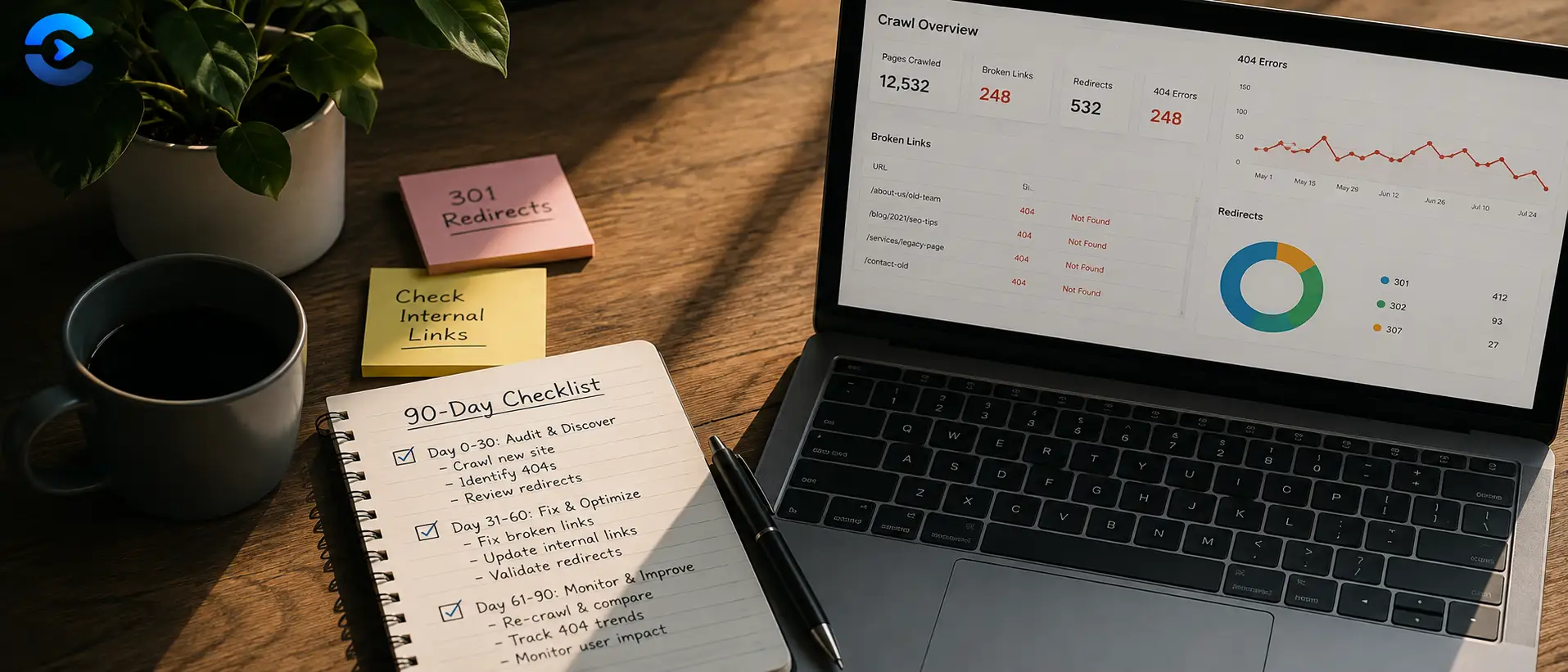
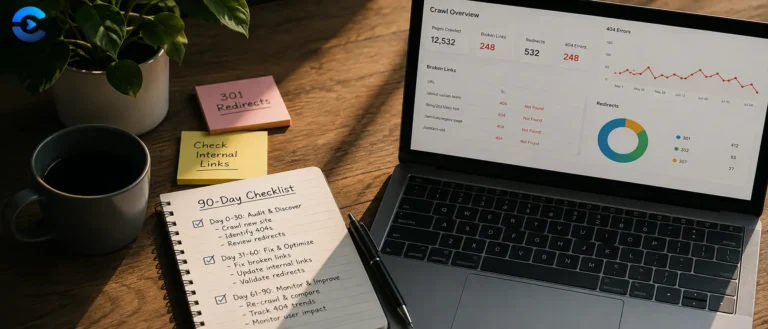
Broken Link Checklist After Site Migration: 90 Day Plan A broken link checklist after site migration should not stop on launch day. Check again at day 1, week 1, day
Ping vs Traceroute vs Port Scan: Fixing Network Issues
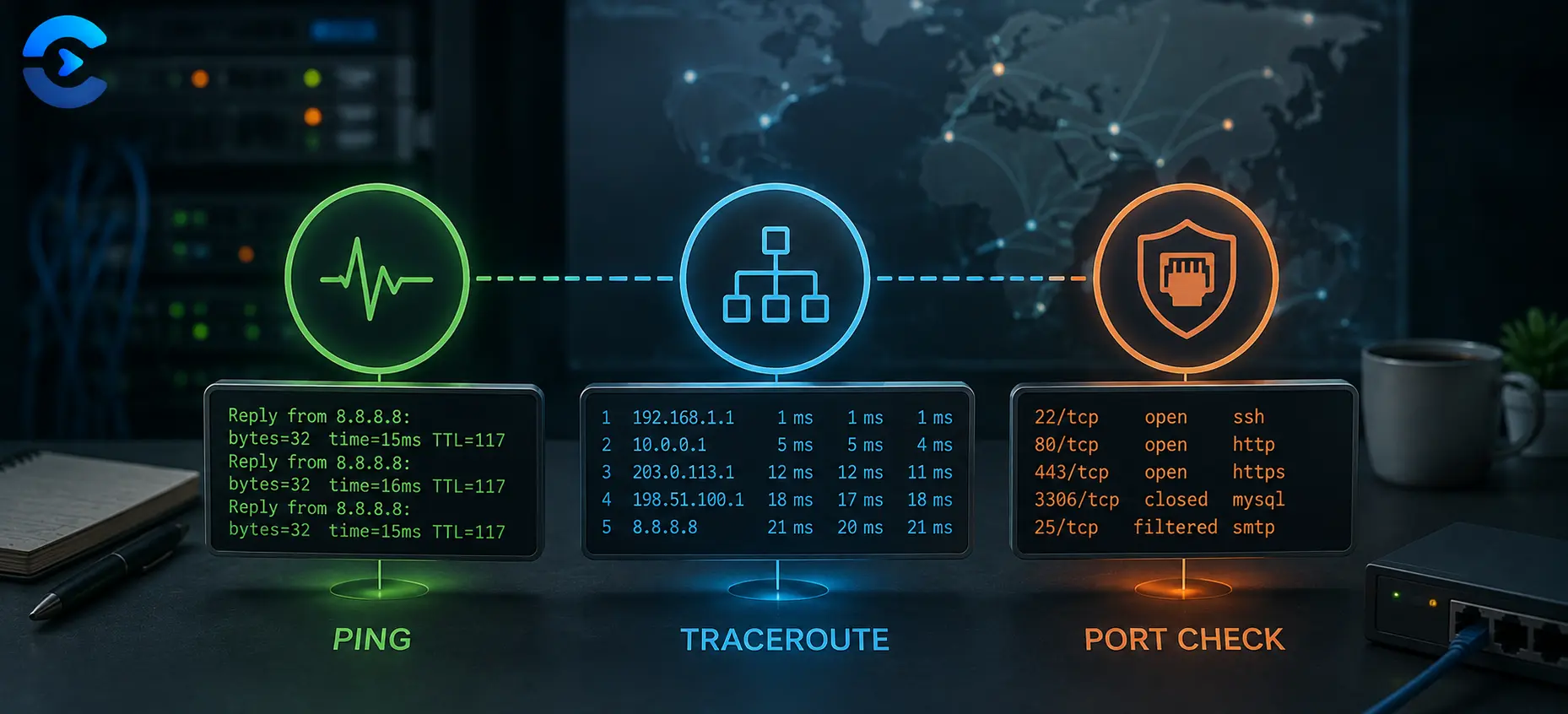
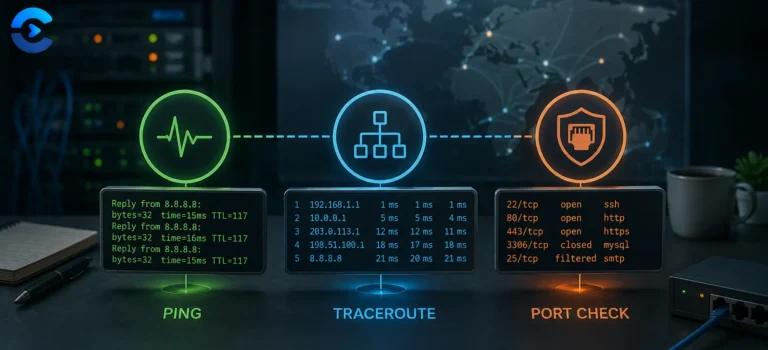
Ping vs Traceroute vs Port Scan: Fixing Network Issues When a connection fails, run three checks in order: ping first to confirm the host is reachable, traceroute second to see
Why Is My Website Slow for Other People but Fast for Me
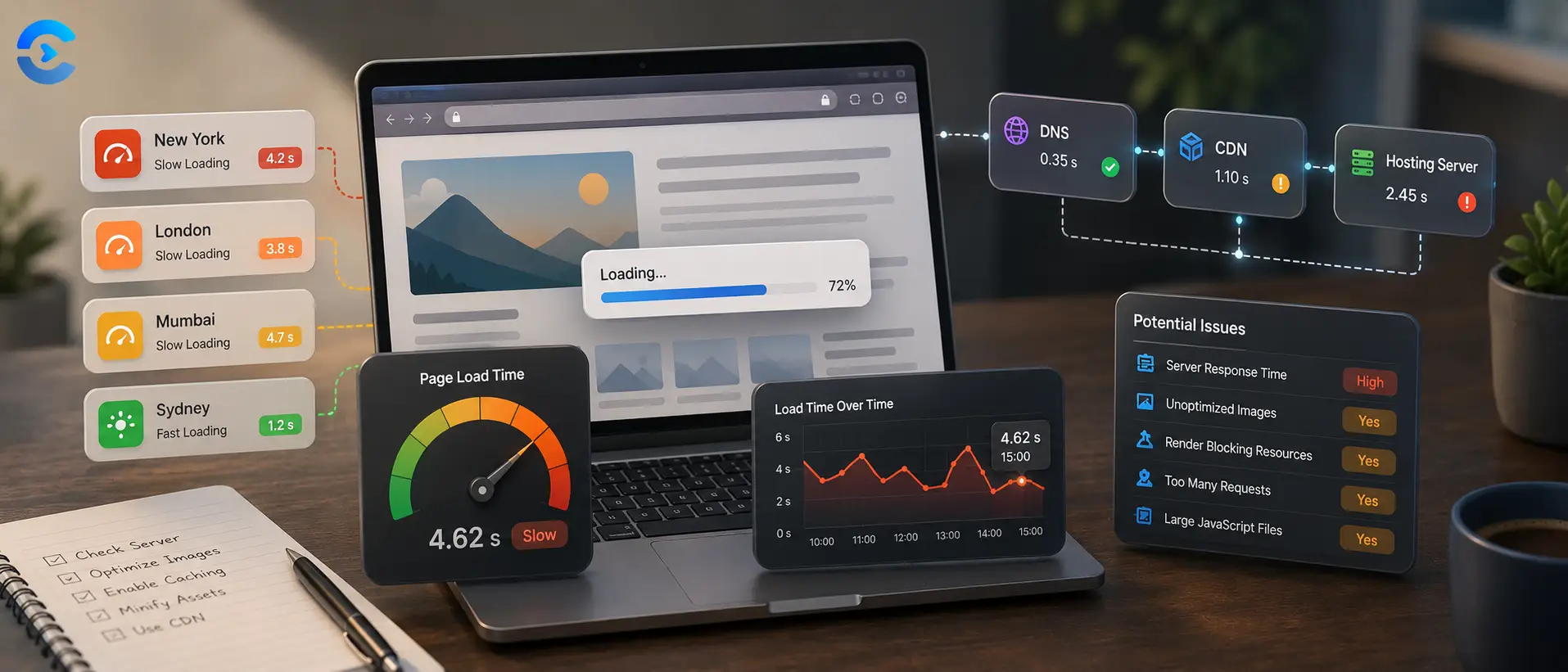
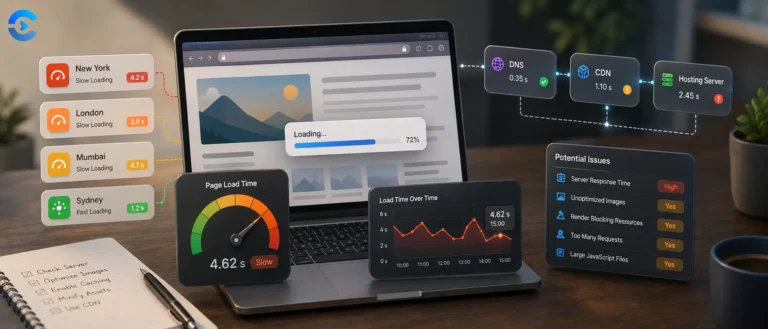
Why Is My Website Slow for Other People but Fast for Me If you are asking why is my website slow for other people, the likely answer is that your
What Is Domain Age, and Why Check Domain Age Before Buying
What Is Domain Age, and Why Check Domain Age Before Buying Domain age is simply how long a domain name has existed since it was first registered, not how long
How Long Does DNS Propagation Take to Finish?
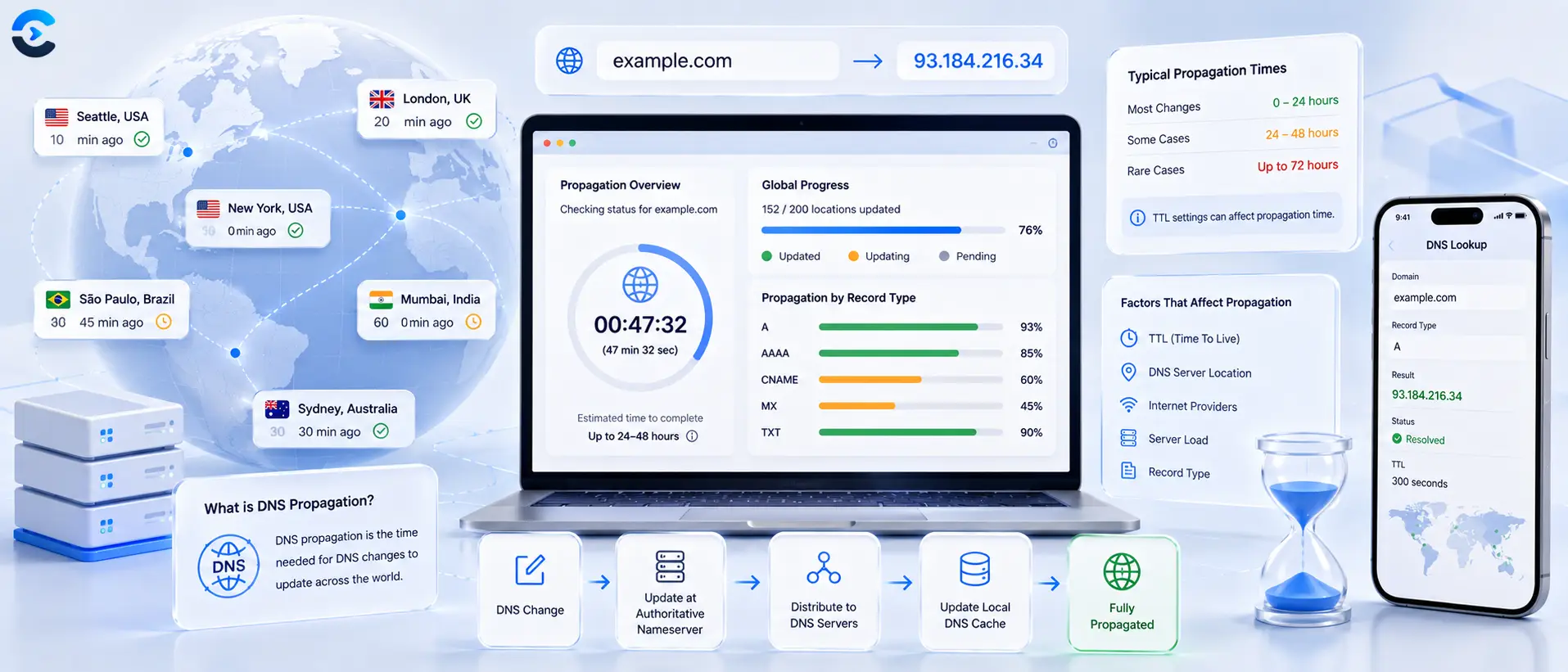
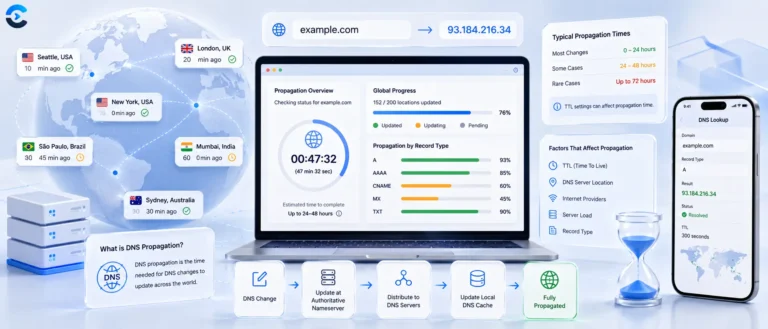
How Long Does DNS Propagation Take to Finish? DNS propagation usually takes anywhere from a few minutes to 48 hours, and the real driver is not some global broadcast delay

Other Posts
Diagnosing it in order instead of guessing
When a site is down, the temptation is to try everything at once. Working through the layers in sequence takes less time and, more usefully, tells you who needs to fix it.
Almost every outage resolves to one of a handful of causes, and they sit in a natural order. Does the name resolve, does the host answer, is the port open, is the certificate valid, and what does the response actually say. Check them in that order and you rarely need step five, because the failure announces itself at step one or three.
DNS is the usual culprit and the most misunderstood, largely because of propagation. Changes do not travel anywhere. Resolvers hold the old answer until the TTL you set expires, which is why a change looks live for you and broken for a colleague, and why lowering the TTL before a migration is the single most useful preparation step there is.
The rest of this category covers what happens after the connection succeeds. What each HTTP status code is really telling you, why a redirect chain costs more than people think, and how to read a page speed report without chasing a score that no user will ever perceive.
What you will find here
- Ordered troubleshooting sequences rather than lists of things to try
- DNS records, TTL and propagation explained properly
- HTTP status codes, redirects and headers in plain language
- Performance guides focused on what users actually feel
Questions about network and web blog
Short answers to what readers ask most about this category and the tools behind it.
As long as the TTL on the old record, since resolvers keep serving the cached answer until it expires. Nothing propagates, it simply expires at different times in different places. Lower the TTL to a few minutes at least a day before a planned change and the switch becomes almost immediate.
Usually cached DNS, a regional CDN node with a stale copy, or an ISP level block. Run a DNS Lookup from outside your own network to see what the rest of the world is being told, which separates a local cache problem from a real one in about thirty seconds.
Because browsers deliberately prevent web pages from opening raw network connections, which is a security feature rather than a limitation. DNS queries, ping, port checks and certificate inspection all require that capability, so they run on a server. Only the domain or IP you type is sent, and it is not stored.
Broadly: 200 is fine, 301 is a permanent move and passes ranking signals, 302 is temporary and does not, 404 means the page is genuinely absent, 403 means it exists and you are not allowed in, and 500 means the server broke while handling your request. The distinction between 301 and 302 is the one that most often causes lasting damage.
No, and chasing one is usually a waste of a week. The scores are a proxy for the field metrics, and beyond a point you are optimising something no user will ever perceive. Fix the largest contentful paint and the layout shift first, since those are the two people genuinely feel.
A lookup, a ping, a header check and a certificate check are all ordinary requests that any browser makes, so yes. Anything resembling scanning or load testing against infrastructure you do not control is a different matter, and these tools are deliberately not built for it.