

Hex to Decimal Explained: Simple Guide With 12 Examples
Hex to decimal sounds technical, but it is one small rule used again and again: every hex digit is worth 16 times the digit to its right. This guide starts with what hexadecimal is, covers why programmers like it, and then walks through twelve conversions you can check yourself.
What hexadecimal is, before hex to decimal
Our everyday numbers are base 10: ten digits, 0 to 9, and each place is worth ten times the one on its right. Hexadecimal is base 16. It needs sixteen digits, so after 9 it borrows the letters A to F. A is ten, B is eleven, and so on up to F, which is fifteen.
| Hex digit | Decimal value | 4 bit binary | Hex digit | Decimal value | 4 bit binary |
|---|---|---|---|---|---|
| 0 | 0 | 0000 | 8 | 8 | 1000 |
| 1 | 1 | 0001 | 9 | 9 | 1001 |
| 2 | 2 | 0010 | A | 10 | 1010 |
| 3 | 3 | 0011 | B | 11 | 1011 |
| 4 | 4 | 0100 | C | 12 | 1100 |
| 5 | 5 | 0101 | D | 13 | 1101 |
| 6 | 6 | 0110 | E | 14 | 1110 |
| 7 | 7 | 0111 | F | 15 | 1111 |
Case does not matter. ff, Ff and FF are the same number. You will often see a 0x in front, as in 0xFF, or a # in front for colours. Those marks only say this is hex. They carry no value. None of those marks change a hex to decimal result.
Type hex and see decimal, binary and octal at once, with a colour swatch for three and six digit codes.
Open the Hex to Decimal ConverterWhy it matters and where hex came from
Computers work in binary, which is long and hard to read. Hex is a shortcut. Four bits make exactly one hex digit, so a byte of eight bits is always two hex characters. The binary string 11111111 becomes FF, and nothing is lost.
A little history helps. Early machines had word sizes such as 12, 18 or 36 bits, which split neatly into groups of three bits, so octal was popular. Once 8 bit bytes became the norm in the 1960s, with machines like the IBM System/360, groups of four bits fit better and hex took over as the human friendly view of binary.
How the conversion works, step by step
- Turn each digit into a numberDigits 0 to 9 keep their value. A is 10, B is 11, C is 12, D is 13, E is 14, F is 15.
- Give each place a weightFrom the right, the weights are 16⁰ = 1, 16¹ = 16, 16² = 256, 16³ = 4096 and so on.
- Multiply digit by weightThe digit A in the 16s place contributes 10 × 16 = 160.
- Add everything upThe total is the decimal value. Check it by counting the digits: the answer should have the right order of magnitude.
| Position from the right | 0 | 1 | 2 | 3 | 4 | 5 | 6 |
|---|---|---|---|---|---|---|---|
| Weight | 1 | 16 | 256 | 4,096 | 65,536 | 1,048,576 | 16,777,216 |
Twelve worked examples
Work the first ones by hand, then use the rest as a check. The second column shows the sum.
| Hex | Working | Decimal |
|---|---|---|
| A | 10 | 10 |
| 3C | 3 × 16 + 12 | 60 |
| 2A | 2 × 16 + 10 | 42 |
| B7 | 11 × 16 + 7 | 183 |
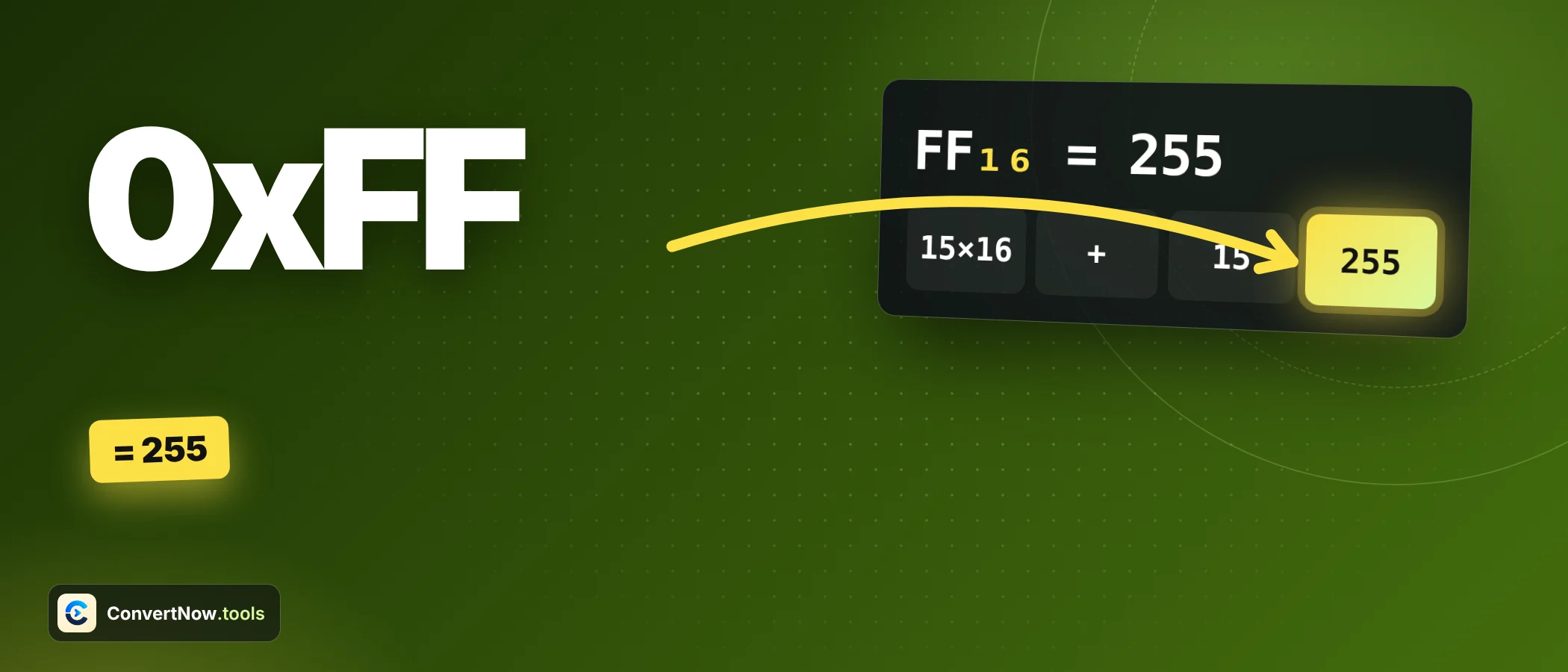
| FF | 15 × 16 + 15 | 255 |
| 100 | 1 × 256 | 256 |
| 1F4 | 1 × 256 + 15 × 16 + 4 | 500 |
| 1A3F | 1 × 4096 + 10 × 256 + 3 × 16 + 15 | 6,719 |
| C0A8 | 12 × 4096 + 0 + 10 × 16 + 8 | 49,320 |
| 7FFF | 7 × 4096 + 15 × 256 + 15 × 16 + 15 | 32,767 |
| FFFF | 15 × 4096 + 15 × 256 + 15 × 16 + 15 | 65,535 |
| DEADBEEF | See the next table | 3,735,928,559 |
The last row is the longest. Eight digits, so the leftmost weight is 16⁷, which is 268,435,456.
| Digit | Value | Weight | Contribution |
|---|---|---|---|
| D | 13 | 268,435,456 | 3,489,660,928 |
| E | 14 | 16,777,216 | 234,881,024 |
| A | 10 | 1,048,576 | 10,485,760 |
| D | 13 | 65,536 | 851,968 |
| B | 11 | 4,096 | 45,056 |
| E | 14 | 256 | 3,584 |
| E | 14 | 16 | 224 |
| F | 15 | 1 | 15 |
| Total | 3,735,928,559 |
The leftmost digit tells you the size. A 4 digit hex number lies between 4096 (1000) and 65,535 (FFFF). If your answer to 1A3F is far outside that, you added a weight wrong.
Shortcuts that make it faster
The slow part is multiplying by 16. Learn the sixteen multiples once and every two digit value takes a single addition. The left digit picks the row, the right digit is just added.
| Left digit | 0 | 1 | 2 | 3 | 4 | 5 | 6 | 7 |
|---|---|---|---|---|---|---|---|---|
| Times 16 | 0 | 16 | 32 | 48 | 64 | 80 | 96 | 112 |
| Left digit | 8 | 9 | A | B | C | D | E | F |
|---|---|---|---|---|---|---|---|---|
| Times 16 | 128 | 144 | 160 | 176 | 192 | 208 | 224 | 240 |
Try 9C. The left digit 9 gives 144, the right digit C is 12, and the sum is 156. Try E3: 224 plus 3 is 227. After a day of practice you will do these in your head. Each hex to decimal step here is one lookup and one addition.
For longer values, work in pairs from the right. Each pair is a byte, and each byte is worth 256 times the byte to its right. So 1A3F is the pair 1A, which is 26, times 256 plus the pair 3F, which is 63. That is 6,656 + 63 = 6,719, the same answer as before, with fewer steps.
Going back: decimal to hex
Divide by 16 and collect the remainders from the bottom up. For 500: 500 ÷ 16 = 31 remainder 4. Then 31 ÷ 16 = 1 remainder 15, which is F. Then 1 ÷ 16 = 0 remainder 1. Read upward: 1, F, 4. So 500 is 1F4, which matches the table.
Colour codes
Colour codes are three hex pairs: red, green and blue, each from 00 to FF, which is 0 to 255 in decimal. CSS also allows a short three digit form where each digit doubles, and four and eight digit forms that add transparency. The MDN reference for hex colours lists all four.
| Code | Meaning | Red | Green | Blue |
|---|---|---|---|---|
| #FF8000 | Orange | 255 | 128 | 0 |
| #F0A | Short for #FF00AA | 255 | 0 | 170 |
| #00FF00 | Pure green | 0 | 255 | 0 |
| #808080 | Mid gray | 128 | 128 | 128 |
The converter shows a swatch only for exactly 3 or 6 digits, so it never invents a colour you did not type. It also works out brightness with the luminance formula 0.299 × R + 0.587 × G + 0.114 × B. For #FF8000 that is 0.299 × 255 + 0.587 × 128, about 151 out of 255. To pick colours visually, a colour picker pairs well with this.
Where it shows up in real work
You rarely convert for fun. Hex shows up because something else prints it, and you need the decimal to make sense of it.
| Where | Hex value | Decimal meaning |
|---|---|---|
| Text in a hex editor | 48 69 | 72 and 105, which spell Hi in ASCII |
| Capital against small letter | 41 and 61 | 65 and 97, a gap of 32 (hex 20) |
| MAC address segment | 1A | 26 in that byte |
| Unicode code point | U+0041 | 65, the capital letter A |
| Error code from a driver | 0x1F4 | 500 |
The ASCII gap is worth remembering. Small letters sit exactly 32 above capitals, which is a single bit, hex 20. Flip that bit and you change the case. Knowing the decimal and hex side by side makes patterns like this visible.
How much space does a value need?
| Hex | Decimal | Bits needed | Bytes needed |
|---|---|---|---|
| 2A | 42 | 6 | 1 |
| 1F4 | 500 | 9 | 2 |
| 7FFF | 32,767 | 15 | 2 |
| FFFF | 65,535 | 16 | 2 |
| FF8000 | 16,744,448 | 24 | 3 |
| DEADBEEF | 3,735,928,559 | 32 | 4 |
Every two hex digits fill one byte. A value that needs 9 bits, like 1F4, must be stored in 2 bytes even though the second byte is mostly empty.
Glossary of terms
- Base (radix)
- The count of distinct digits a system uses. Decimal is base 10, binary base 2, octal base 8, hex base 16.
- Digit
- A single symbol in a number. Hex digits run from 0 to F.
- Bit
- One binary digit, 0 or 1.
- Nibble
- Four bits, which is exactly one hex digit.
- Byte
- Eight bits, which is exactly two hex digits and holds 0 to 255.
- Prefix 0x
- A marker used in many programming languages to say the number that follows is hexadecimal.
- Place value
- The weight of a position in a number. In hex it grows by a factor of 16 per place.
Four mistakes to avoid
- Reading 10 in hex as ten. It is sixteen, since 1 × 16 + 0.
- Counting positions from the left. The smallest weight is on the right.
- Treating the 0x or # as part of the number.
- Forgetting that a value like 1F4 has three digits, so its top weight is 16², not 16³.
If you work with bits directly, the binary to decimal converter shows the same idea in base 2.
1 × 16 + 15 = 31. The F is worth fifteen and the 1 sits in the 16s place.
Frequently asked questions
How do I convert hex to decimal?
Multiply each hex digit by 16 raised to its position from the right, then add the results. Letters A to F count as 10 to 15.
What is FF in hex to decimal?
FF is 255. That is 15 × 16 + 15, the largest value a single byte can hold.
Why do programmers use hex?
Each hex digit stands for exactly four bits, so long binary values become short and easy to read. A byte is always two characters.
What does 0x mean?
It is a prefix many languages use to mark a number as hexadecimal. It does not change the value.
Is hex case sensitive?
No. Lowercase and uppercase letters mean the same thing, so 0xff and 0xFF are equal.
How do I convert a hex colour code to RGB?
Split the six digits into three pairs and convert each pair. For #FF8000 the pairs FF, 80 and 00 give 255, 128 and 0.
Sources: MDN Web Docs: hex color