
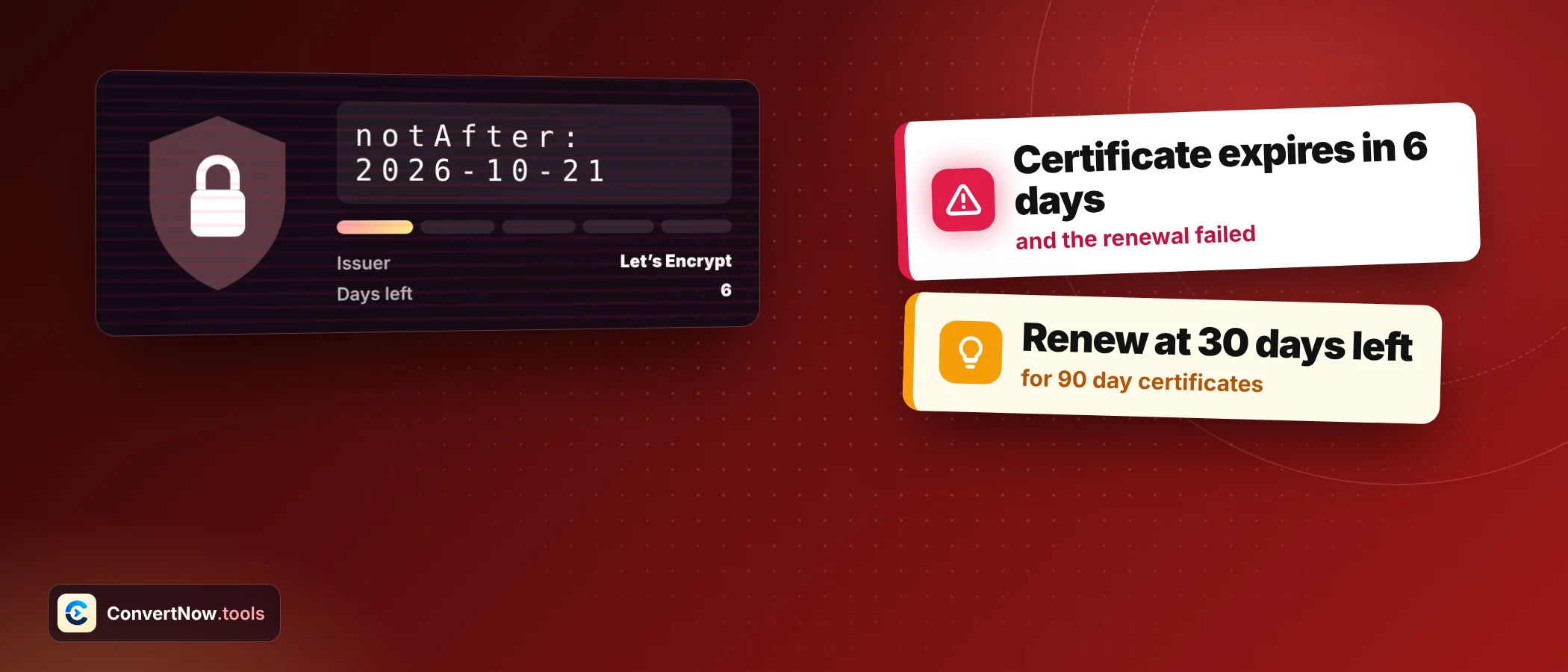

SSL Certificate Expiry: 6 Real Examples, Clearly Solved
SSL certificate expiry sounds like a date you read once and forget, yet it takes sites offline every week. The date itself is easy. The part that bites is turning it into days left, a renewal plan and an alert schedule. This guide solves six realistic cases with the numbers shown.
What the checker reads before we count SSL certificate expiry
Every certificate carries two dates: not before and not after. RFC 5280 defines both. The span between them is the validity period. The checker reads these from public Certificate Transparency logs through crt.sh, so it shows the newest logged certificate for a domain and does not open a live connection to your server.
That distinction matters for the examples below. If you renewed a few minutes ago, the log may lag. For the exact certificate a server presents right now, the command line is the authority.
Read live SSL certificate expiry dates from a terminal
echo | openssl s_client -connect example.com:443 -servername example.com 2>/dev/null | openssl x509 -noout -datesExample 1: Days left on four certificates
Suppose today is 13 October 2026. You check four domains and write down the not after date for each. Subtract today from that date and apply the bands: expired is red, 14 days or fewer is critical, 30 days or fewer is amber, anything above is green.
| Domain | Not after | Days left | Status |
|---|---|---|---|
| shop.example | 9 December 2026 | 57 | Valid, green |
| blog.example | 30 October 2026 | 17 | Renew soon, amber |
| api.example | 22 October 2026 | 9 | Critical, renew now |
| old.example | 11 October 2026 | Minus 2 | Expired, red |
Look at api.example. Nine days sounds like plenty, yet renewal can stall on domain validation, a purchase approval or a freeze on production changes. SSL certificate expiry warnings give you less slack than they appear to, so treat the amber band as the real deadline and the critical band as an emergency.
Type a domain and see the expiry date, days left, issuer, validity length and covered names in one card.
Open the SSL Certificate CheckerExample 2: A 90 day certificate and its renewal day
Free automated authorities issue certificates valid for 90 days and recommend renewing every 60. Take one issued on 15 September 2026. Add 90 days and the not after date is 14 December 2026.
| Milestone | Date | Day of validity |
|---|---|---|
| Issued | 15 September 2026 | Day 0 |
| Today | 13 October 2026 | Day 28, which is 31.1 percent elapsed |
| Automatic renewal | 14 November 2026 | Day 60, with 30 days still left |
| Expires | 14 December 2026 | Day 90 |
The checker spots this pattern. A 90 day span with an issuer such as R3 or E1 means automation should handle it, so an expiry in three weeks is expected, not alarming. What you watch for is the renewal job failing silently.
Example 3: A 200 day certificate
Commercial certificates last longer, though not as long as they once did. A certificate issued on 2 June 2026 and valid until 19 December 2026 has a validity period of 200 days. Check it on 13 October.
| Step | Calculation | Result |
|---|---|---|
| Total validity | 2 June to 19 December 2026 | 200 days |
| Days used | 2 June to 13 October | 133 days |
| Share elapsed | 133 divided by 200 | 66.5 percent |
| Days left | 200 minus 133 | 67 days |
The progress bar in the result card shows exactly this share. At 66.5 percent you have time, but a manual renewal that needs a purchase order and a change window should start now.
Why validity windows keep shrinking
Browser makers and certificate authorities agreed a schedule that cuts the maximum lifetime in steps. Reported dates are 200 days from 15 March 2026, 100 days from 15 March 2027 and 47 days from 15 March 2029. The earlier limit was 398 days. Treat these as the current plan and confirm the latest rules with your provider, since they can change.
| Maximum validity | Calculation | Certificates needed per year |
|---|---|---|
| 398 days | 365 divided by 398 is 0.92 | 1 |
| 200 days | 365 divided by 200 is 1.83 | 2 |
| 100 days | 365 divided by 100 is 3.65 | 4 |
| 47 days | 365 divided by 47 is 7.77 | 8 |
What this means is simple. Manual renewal stops being practical. Anyone still pasting certificates by hand needs automation before the 100 day step arrives.
Example 4: Which hostnames the certificate covers
A valid date does not help if the name is wrong. The checker lists the Subject Alternative Names, which is the list browsers match against. Say the SAN list holds example.com, a wildcard for any name one level below example.com, and shop.example.org.
| Hostname visited | Covered? | Reason |
|---|---|---|
| example.com | Yes | Listed explicitly |
| www.example.com | Yes | Matches the wildcard |
| api.example.com | Yes | Matches the wildcard |
| v2.api.example.com | No | A wildcard covers one label only |
| example.org | No | Only shop.example.org is listed |
| shop.example.org | Yes | Listed explicitly |
Many wildcard certificates also list the bare domain as a separate entry, as in this example. If yours does not, example.com fails even though www.example.com works. Check the SAN list before assuming.
45 divided by 89 is 0.506, so about 51 percent. That leaves 44 days, which is comfortably above the 30 day amber line.
Example 5: Build an alert calendar from the date
Take a certificate whose SSL certificate expiry date is 20 January 2027. Today is 13 October 2026, so 99 days remain. Work backwards from the expiry to place four alerts, so nobody depends on memory.
| Alert | Days before expiry | Date |
|---|---|---|
| Plan renewal | 30 | 21 December 2026 |
| Start work | 14 | 6 January 2027 |
| Escalate | 7 | 13 January 2027 |
| Last chance | 1 | 19 January 2027 |
Put these in a shared calendar, not a personal one. A reminder that lives with a person who has left the team is how most surprise outages begin. Also record who owns each date. An alert that reaches five people and belongs to none of them gets ignored by all five, while a named owner with a backup gets the job done in an hour.
Example 6: Valid dates, but the chain is broken
A site shows 80 days left and a matching name, and still fails for some visitors. The server sends only its own certificate and leaves out the intermediate that links it to a trusted root. Desktop browsers often recover because they cached the intermediate from another site. Mobile apps, API clients and payment gateways often cannot.
| Client | Has cached intermediate? | Result |
|---|---|---|
| Desktop browser, many visits | Usually yes | Works |
| Phone browser, fresh install | Often no | Warning or failure |
| Server to server API call | No | Connection error |
| Payment gateway callback | No | Request rejected |
The fix is to install the full chain file your authority provides, then test from a clean client such as a phone on mobile data. Expiry checks alone will never find this problem, because it reads logged certificate data and does not test what a server actually sends. For that, use openssl or a test from a real client.
A routine for tracking SSL certificate expiry
Certificates are one of several things worth checking together, and a calm routine beats a heroic rescue every time. Review your response headers for HSTS, confirm your DNS records point where you expect, and read how DNS propagation affects validation after a move.
Frequently asked questions
How do I check SSL certificate expiry for my domain?
Enter the domain in a certificate checker and read the not after date and the days remaining. For the live server, run the openssl command shown above.
What happens at SSL certificate expiry?
Browsers show a full page security warning, and many visitors leave. Apps and API clients usually refuse the connection outright.
How long are SSL certificates valid?
Free automated certificates last 90 days. Commercial ones are capped by an industry maximum that fell to 200 days for certificates issued from 15 March 2026, with further cuts planned.
When should I renew an SSL certificate before SSL certificate expiry?
Renew 30 days before expiry at the latest. Automated systems typically renew at 60 days into a 90 day certificate, which leaves a 30 day safety margin.
Does a wildcard certificate cover the bare domain?
Only if the bare domain is also listed in the Subject Alternative Names. A wildcard covers one label below the domain, so it also misses names two levels deep.
Why does my site fail on mobile when the certificate is valid?
A common cause is a missing intermediate certificate. Desktop browsers may have it cached, while phones and API clients do not.
Sources: Certificate lifetimes and renewal advice, FAQ from a free automated certificate authority · RFC 5280: Internet X.509 Public Key Infrastructure Certificate Profile