
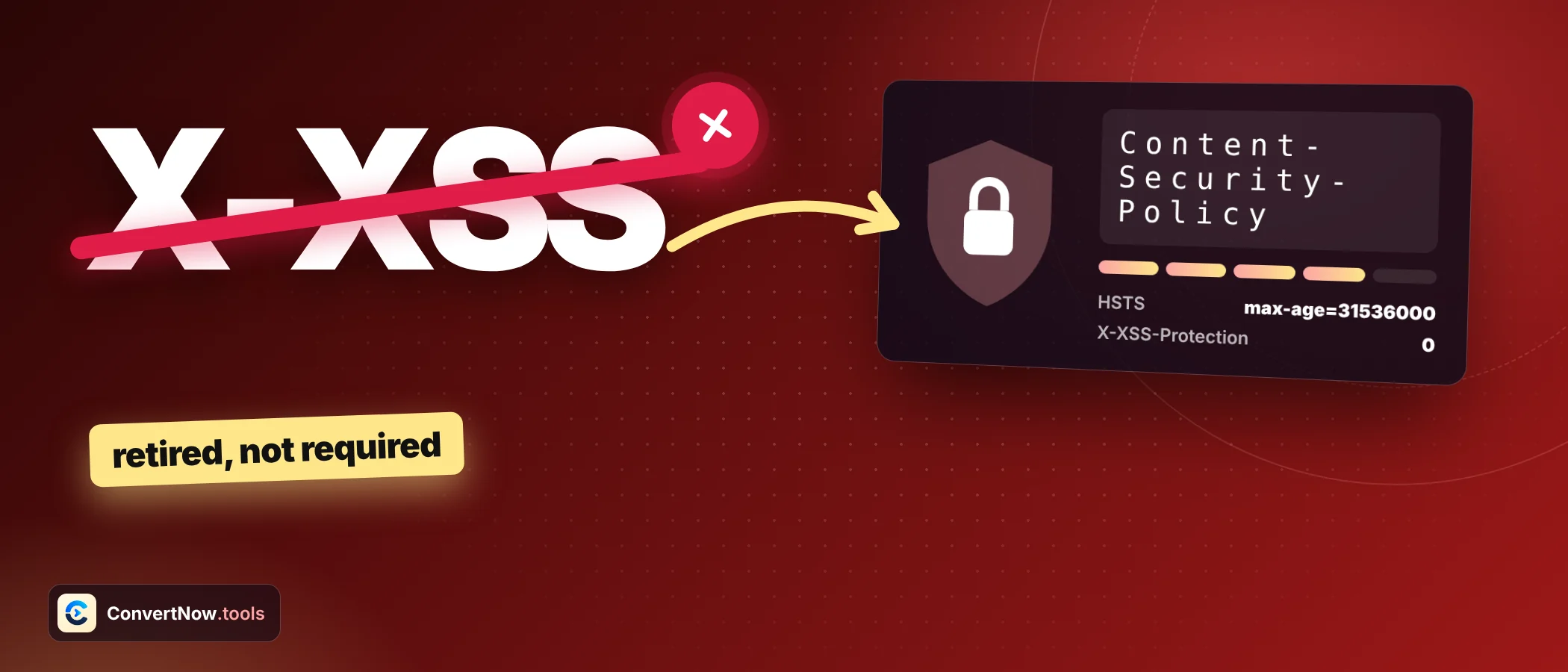

HTTP Security Headers: 7 Real Myths, Clearly Fixed
Most advice about HTTP security headers is half right. A header can be present and useless, another can be dead and still recommended in old tutorials, and a perfect grade can sit on top of a site with real holes. Here are seven myths worth dropping before you touch a server config.
The eight HTTP security headers worth knowing
Before the myths, a map. The checker looks at eight of the HTTP security headers that matter most and ranks them by how much protection each gives. Everything below refers back to this table.
| Header | Severity | What it controls |
|---|---|---|
| Strict Transport Security | High | Forces HTTPS on later visits |
| Content Security Policy | High | Which sources may load scripts, styles and frames |
| X Frame Options | High | Whether the page can sit inside a frame |
| X Content Type Options | Medium | Stops the browser guessing content types |
| Referrer Policy | Medium | How much of the previous URL is passed on |
| Permissions Policy | Medium | Access to camera, microphone, location and more |
| Cross Origin Opener Policy | Low | Isolates the window from cross origin windows |
| Cross Origin Embedder Policy | Low | Needed with COOP for cross origin isolation |
Myth 1: If the header is there, it protects you
A checker that only looks for a header name will pass a Content Security Policy that allows everything. Take a policy that includes the unsafe inline keyword for scripts. It lets any injected inline script run, which is the exact attack the header exists to stop.
Passes a name check, protects little
- default src * with unsafe inline and unsafe eval
- script src that lists a whole CDN domain anyone can upload to
- No object src and no base uri directive
Passes and protects
- default src self as the starting point
- Scripts from named hosts or tied to a nonce or hash
- object src none and a frame ancestors rule
Fact: with HTTP security headers, presence is the first step and value is the second. The checker parses the policy for this reason and warns about unsafe inline instead of handing out a green tick.
Myth 2: X XSS Protection is a must have
Old lists of HTTP security headers still tell you to add X XSS Protection with the value 1; mode=block. That header controlled a browser filter that has since been dropped from current browsers. MDN marks it deprecated and warns that the filter itself could create vulnerabilities in otherwise safe sites.
Fact: a strong Content Security Policy replaces it. If you must send something for ancient browsers, the safe value is 0, which switches the filter off. OWASP lists exactly that. A missing X XSS Protection is the correct modern setup, which is why the checker treats its absence as a pass.
Myth 3: X Frame Options is the only clickjacking defence
X Frame Options accepts only two usable values: DENY and SAMEORIGIN. The old ALLOW FROM value is obsolete and modern browsers ignore the header when they see it. It also has no effect when set in a meta tag, only as a real response header.
Fact: the frame ancestors directive inside Content Security Policy is the modern control. It can list several allowed origins, which X Frame Options cannot. Send both if you support older browsers, and keep the two in agreement.
Myth 4: HSTS protects the very first visit
Strict Transport Security tells a browser to use HTTPS only for a set time. The key words are a set time after it has seen the header. On the first visit over plain HTTP, there is nothing to remember yet, and a network attacker can interfere. Browsers also ignore the header when it arrives over HTTP.
Fact: the fix is the preload list, which ships your domain inside the browser. Submission needs the preload directive, includeSubDomains, and a max age of at least 31536000 seconds, which is one year. Do not add preload casually. Removing a domain from the list takes a long time, and every subdomain must support HTTPS.
A typical HSTS header that meets the preload minimum
Strict-Transport-Security: max-age=63072000; includeSubDomains; preloadMyth 5: Hiding the Server header is enough
Headers such as Server and X Powered By tell visitors your software and version. Removing them is sensible housekeeping, because it saves an attacker a lookup of published flaws for your exact version.
Fact: it is not a defence. A patched server that announces its version is safer than an unpatched server that hides it. This is why the HTTP security headers scan flags version leaks but does not score them. Treat them as a tidy up item after the real work.
Myth 6: Good headers mean the site is secure
A header grade measures configuration of one layer. It cannot see SQL injection, weak passwords, outdated plugins or an exposed admin panel. Take a site that has seven of the eight checklist headers. That is 87.5 percent by count, and it can still lose a database through one vulnerable form.
| Question | A header scan answers it? |
|---|---|
| Does the site force HTTPS on return visits? | Yes, through Strict Transport Security |
| Is script injection limited by policy? | Partly, only if the policy is strict |
| Is the login form safe from SQL injection? | No |
| Are plugins and libraries up to date? | No |
| Does the response leak the stack version? | Yes, through Server and X Powered By |
Fact: use the score as a quick health signal. A low number is a strong prompt to investigate. A high number is not a clean bill of health.
Myth 7: Every site needs COOP and COEP
Cross Origin Opener Policy and Cross Origin Embedder Policy appear on every secure headers list, and the OWASP project suggests same origin and require corp. Copying them blindly into your HTTP security headers can break things.
Fact: the pair exists to enable cross origin isolation, which some powerful browser features such as SharedArrayBuffer require. Setting require corp makes the browser block any cross origin resource that does not opt in, so third party images, fonts and embeds may stop loading. That is why the checker rates both as low severity. Add them when you need isolation, and test first.
All seven myths on one page
| Myth | Fact | Action |
|---|---|---|
| Header present means protected | The value decides protection | Read the policy, avoid unsafe inline |
| X XSS Protection is required | Deprecated, can cause harm | Send 0 or omit it |
| X Frame Options is enough | frame ancestors is the modern tool | Use both, keep them aligned |
| HSTS covers the first visit | Only after one HTTPS visit | Consider preload with care |
| Hide the Server header and be safe | Obscurity is not defence | Patch first, trim headers second |
| A grade means secure | It covers one layer | Treat the score as a signal |
| COOP and COEP everywhere | They enable isolation and can break embeds | Add only when needed |
ALLOW FROM is obsolete. Modern browsers ignore the header when they meet it, so the page is not protected. Use the frame ancestors directive in Content Security Policy instead.
A one minute audit of your HTTP security headers
The checker fetches pages through a public proxy service, so the URL you enter passes through a third party. Servers can also answer a proxy differently than a real browser. For sensitive or internal pages, confirm with curl I from your own terminal.
Headers sit beside other hygiene tasks. If your site uses HTTPS, check the certificate too, and look at your DNS records with the DNS Lookup tool. A good password policy matters as well, and the guide to how password strength is measured covers it.
Enter any URL and see its HTTP security headers graded, with the redirect hop, the full header list and a warning for every unsafe value.
Open the HTTP Header CheckerFrequently asked questions
What are HTTP security headers?
They are response headers that tell the browser how to treat your page, for example whether it may be framed, which scripts may run and whether to force HTTPS. They add a protective layer on top of safe application code.
Which HTTP security headers matter most?
Strict Transport Security and Content Security Policy carry the most weight, followed by X Frame Options or frame ancestors and X Content Type Options. The rest add smaller gains.
Do HTTP security headers improve search rankings?
Not directly. They protect visitors and your site, and a hacked site loses trust and traffic, but the headers themselves are not a known ranking signal.
How do I check the HTTP security headers of a page?
Use an online header checker, the Network tab in browser developer tools, or run curl I followed by the URL in a terminal. The terminal shows exactly what your server sends.
Is Content Security Policy hard to set up?
It takes testing. Start with a report only version, watch what breaks, then tighten. Starting from default src self and adding the hosts you truly need is a sound path.
Why did my HTTP security headers score change after I added a CDN?
A CDN or firewall can add, change or strip headers before they reach the visitor. Re run the scan after any infrastructure change and compare with your origin server.
Sources: OWASP Secure Headers Project · MDN: Strict Transport Security header