

Sort Lines Alphabetically: 8 Clear Answers, No Surprises
Sorting a list sounds like the simplest job on a computer, until item10 lands before item2 and an accented name ends up at the very bottom. If you need to sort lines alphabetically and trust the result, eight questions cover almost everything that can go wrong. Each answer below includes a small example you can paste and test.
Frequently asked questions
How do I sort lines alphabetically online?
Paste one item per line into a text sorter, choose alphabetical and ascending, then sort. Copy the result when you are done.
How do I sort lines alphabetically from Z to A?
Set the direction to descending. The tool sorts normally and then reverses the list, so the result is exactly the mirror of A to Z.
What is natural sort order?
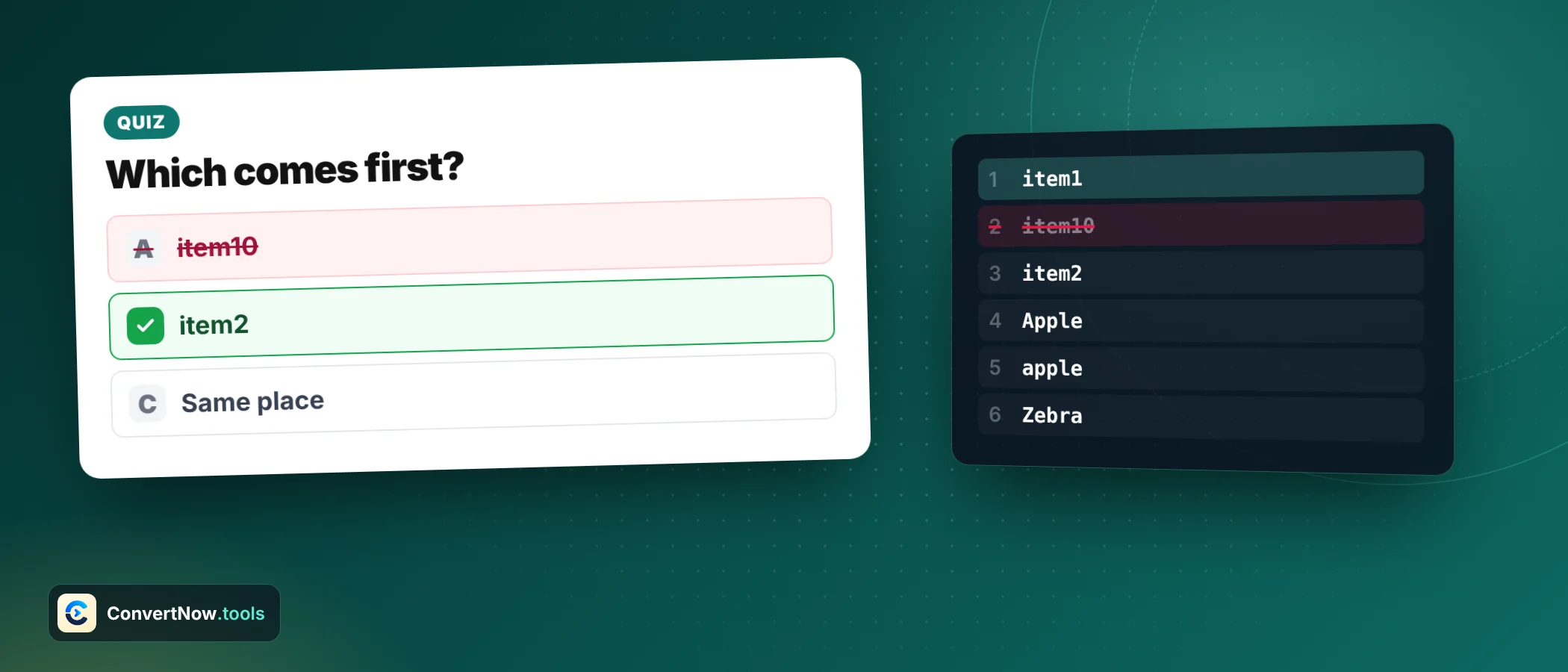
Natural order reads runs of digits as whole numbers, so item2 comes before item10. Plain alphabetical order would put item10 first.
Will sorting remove blank lines?
Only if you turn off keep empty lines. With that option off, any line that is empty after trimming is dropped before the sort.
Does the sorter upload my list?
No. Sorting runs in your browser, so the list stays on your device.
Can I sort lines by length instead of sort lines alphabetically?
Yes. Length mode puts the shortest line first when ascending. Equal length lines keep their original order.
How do I sort lines alphabetically in the first place?
- Put one item on each linePaste a list such as names, URLs, keywords or file names. A line break is what separates one item from the next.
- Choose a methodAlphabetical for words, natural for anything with numbers, length for shortest or longest first, random for a shuffle. Only alphabetical lets you sort lines alphabetically in the strict sense.
- Set the directionAscending runs A to Z, descending runs Z to A. Direction is applied at the end, so it never changes how items are compared.
- Tick the clean up optionsTrim whitespace, keep or drop empty lines, ignore case, and remove duplicates. These run before the sort, so they change what gets sorted.
- Copy the resultCheck the line count against your input. If you removed duplicates, the output should be shorter by exactly the number of repeats.
Use this six line sample: banana, Apple, cherry10, cherry2, date, fig. Sorted alphabetically it becomes Apple, banana, cherry10, cherry2, date, fig. Notice that cherry10 sits before cherry2, which leads straight to the next question.
Why does item10 come before item2?
Plain alphabetical order compares one character at a time. The first difference between item10 and item2 is the character after item. That is 1 against 2, and 1 comes first, so item10 wins. The computer is not wrong. It is comparing text, and you meant numbers.
Natural order fixes that by splitting each line into chunks of digits and non digits. Digit chunks are compared as whole numbers, so 2 is less than 10. Text chunks are compared as words.
| Position | Alphabetical | Natural |
|---|---|---|
| 1 | chapter1.txt | chapter1.txt |
| 2 | chapter10.txt | chapter2.txt |
| 3 | chapter2.txt | chapter3.txt |
| 4 | chapter3.txt | chapter10.txt |
If any line contains a number that means a quantity or a position, use natural order. If the numbers are just part of a code, such as a SKU, alphabetical is usually what you want.
Does capitalisation change the order?
It depends on the method. A raw code unit sort puts every capital letter before every lowercase letter, so Zoe sorts ahead of angel. The tool sorts by locale rules instead, which is why Apple and banana fall in the order a person expects.
| Method | Result |
|---|---|
| Raw code unit order | Apple, Banana, apple, banana, cherry |
| Locale alphabetical | apple, Apple, banana, Banana, cherry |
| Locale alphabetical, case insensitive on | Apple, apple, banana, Banana, cherry (ties keep input order) |
Switch on the case insensitive option when you want Apple and apple handled as the same entry. It affects two things at once: how the comparison treats capitals, and, if remove duplicates is on, whether those two lines count as repeats. Choose it whenever you sort lines alphabetically for people.
How are accented letters sorted?
Alphabetical mode uses the locale comparison built into the browser, so accents are placed where readers expect them. Look at what happens to six words under a raw code sort and under a locale sort.
| Method | Result |
|---|---|
| Raw code unit order | Zoe, angel, apple, eagle, zebra, Ärger, Émile |
| English locale order | angel, apple, Ärger, eagle, Émile, zebra, Zoe |
The raw version throws both accented words to the end, behind every plain letter. The locale version places Ärger next to angel and Émile beside eagle. Rules differ by language, though. In German, ä sorts with a, and in Swedish it sorts after z. Sort a Swedish list on a browser set to English and a few words may land in the wrong spot.
How do I sort by length instead?
Length mode compares character counts only, shortest first when ascending. Take the same six lines as before. The order becomes fig (3), date (4), Apple (5), banana (6), cherry2 (7), cherry10 (8).
Lines with equal length keep their original relative order. That works because JavaScript sorting has been required to be stable since the 2019 edition of the language standard, so ties never swap. It is useful for survey answers, where reading the shortest responses first is a quick way to skim a long list.
Natural order reads the digits as whole numbers, so 2 comes before 10. Alphabetical compares character by character and would place Version 10 first.
Can I remove duplicates at the same time?
Yes, and the order of operations matters. Cleanup runs first: trim, then drop empty lines if asked, then remove duplicates keeping the first copy of each, and only then the sort. Duplicates are removed before sorting, so the first spelling you wrote is the one that survives.
| Stage | Lines left | What changed |
|---|---|---|
| Pasted list | 10 | Raw input |
| After trim | 10 | Three lines lost trailing spaces |
| After removing duplicates | 7 | Three repeats dropped, case insensitive on |
| After sorting A to Z | 7 | Same lines, new order |
If you only need duplicate removal and want to keep the original order, use the Duplicate Line Remover. To see what a cleanup actually changed, paste the before and after into the Text Diff Tool.
What about numbers and dates?
Numbers as plain lines sort as text. The five values 10, 9, 100, 1 and 25 come out as 1, 10, 100, 25, 9 in alphabetical mode. Natural mode returns 1, 9, 10, 25, 100, the order you wanted.
Dates need care. Year first dates such as 2024-03-15 sort correctly as text, because the biggest unit comes first and every part has fixed width. Day first dates such as 15/03/2024 do not. A list of 15/03/2024, 02/12/2025 and 20/01/2023 would sort by day, not by year, and list the newest date first. Convert them first with the Date Format Converter, then sort.
Is the shuffle the opposite of sorting?
The shuffle uses the Fisher Yates method. Starting at the last item, it swaps each one with a randomly chosen item at or before its position. Every possible order is equally likely. For a list of 10 lines that is 3,628,800 possible orders.
A popular shortcut is to sort with a random comparator. It looks right and is biased. In a test of 200,000 runs on three items, the original order came out about 37.5 percent of the time, where a fair shuffle gives 16.7 percent. For a raffle or a quiz question order, the fair method matters.
Can I do it in a spreadsheet or terminal instead?
Yes. Choose the tool that matches where your list already lives. A spreadsheet sorts a column in two clicks, but it treats numbers inside text the same way as plain alphabetical order does, so item10 still jumps ahead of item2. In a terminal you can sort lines alphabetically with one command, and a flag adds natural order.
Terminal and JavaScript options to sort lines alphabetically
# Linux and macOS: alphabetical, natural order, unique lines
sort names.txt
sort -V names.txt
sort -u names.txt
// JavaScript: natural, case insensitive order
lines.sort((a, b) => a.localeCompare(b, undefined, { numeric: true, sensitivity: 'base' }))A browser sorter is faster when the list sits in an email, a chat or a document. You skip the file, the shell and the import step, and you can see the result immediately. It is the quickest way to sort lines alphabetically.
Which method should I use to sort lines alphabetically?
| Your list | Method | Extra options |
|---|---|---|
| Names or words | Alphabetical | Case insensitive on |
| File names with numbers | Natural | Trim on |
| Survey answers | Length | Keep empty lines off |
| Mailing list | Alphabetical | Remove duplicates on |
| Raffle entries | Random | Remove duplicates on |
| Keywords for a spreadsheet | Alphabetical | Trim on |
One last habit saves time. Sort a small sample of five or six lines first and read the result before you run the full list. If the order surprises you, the cause is nearly always one of three things: a stray space at the start of a line, mixed capitals, or numbers inside the text. Each has a matching option in the panel, and changing it takes a second.
Paste your list, pick a method and sort in one click. Alphabetical, natural, length and random modes are all there. Sort lines alphabetically or by any other mode.
Open the Text SorterSources: MDN: String.prototype.localeCompare, locale aware and numeric sorting