
Blog · Developer Tools
Developer Tools Blog: Guides for Coding Faster
-
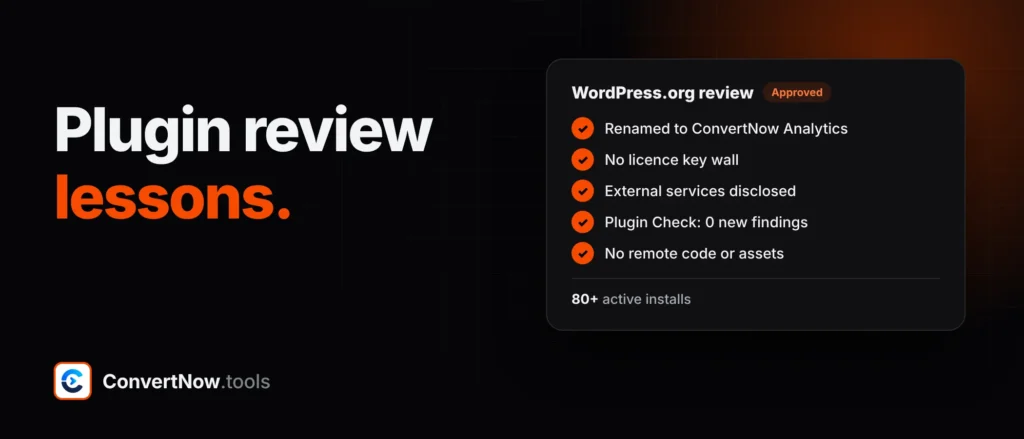
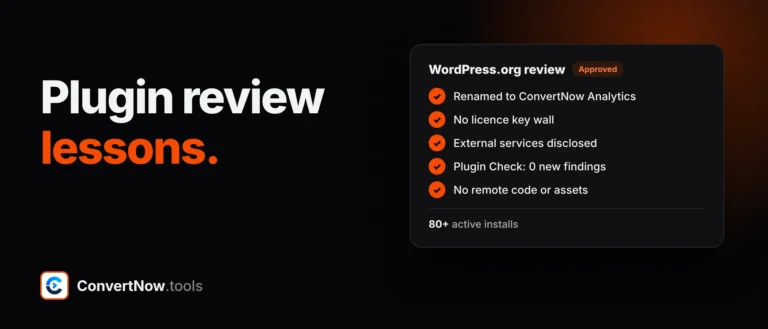
What the WordPress.org Plugin Review Taught Me
Getting ConvertNow Analytics approved on WordPress.org: the rename, the code feedback and the rules I now follow on every release.
Latest articles
-

Moving a 150 Tool Site Off Elementor: What Changed in PageSpeed
Why I moved every page on convertnow.tools from Elementor to the block editor, how I did it page by page, and the PageSpeed results.
-
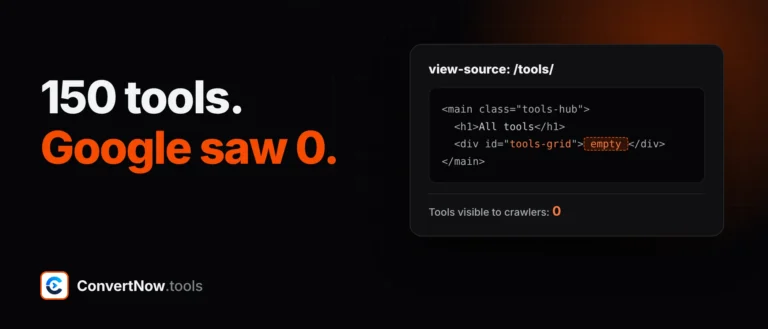
The Bug That Made Google See an Empty Tools Page
My tools page listed 150 tools, but crawlers saw none. How client side rendering hid my content and how server side output fixed it.
-
How I Moved a Real Site From HTML to Markdown
HTML to markdown in practice: follow one blog migration from a pilot post to 42 clean files, with the four problems that appear and…
-
Fixing JWT Expired Errors Behind a 401
JWT token expired but the exp claim looks fine? Read the claims, check clock skew, units and audience, and fix the cause with a…
-
URL Encoding Questions Developers Actually Ask
URL encoding explained through nine real questions: which characters need it, space as %20 or plus, encodeURI versus encodeURIComponent, and double encoding.
-
Where CSV to JSON Conversion Fits in Real Work
CSV to JSON explained for developers, testers, analysts and shop owners. See the right output shape and type setting for each job, with real…
-

How to Minify JavaScript Without Breaking It
Learn how to minify javascript without breaking it. Nine rules, a lookup table and real byte counts show what is safe to remove and…
-

Hashing vs Encryption Difference: What Developers Get Wrong
Understand the hashing vs encryption difference between one way hashing and reversible encryption, with password and file examples.
-
Does CSS Minification Improve Page Speed?
Yes, but the gain depends on how large and repetitive your stylesheet already is. What to expect and when it is worth doing.
Other Posts




Browse Blogs by category
Guides for the ten second job that took an hour
Every post here starts from a real moment at a keyboard. A payload that will not parse, a regex that matches everything except the one line you care about, a token that expires and takes the whole login flow with it.
Developer writing on the internet has a habit of stopping exactly where it gets interesting. You get the syntax and none of the reasoning. These guides go the other way: what the format was designed to do, where it quietly breaks, and what the error message actually means when it says unexpected token at position 4471.
A lot of it is about data moving between shapes. JSON to CSV loses nesting, and there is no clever fix, only a decision about which nesting to flatten. Base64 makes a payload thirty three percent bigger, which matters more than people expect once it is inside a URL. YAML will read your unquoted country code NO as the boolean false. None of that is obscure, but nobody tells you until it has already cost you an afternoon.
The rest covers the day to day: choosing between UUID versions, reading a JWT without trusting it, writing a cron expression you can still parse in six months, and knowing when a regex has become the wrong tool entirely.
What you will find here
- Format explainers that cover the edge cases, not just the happy path
- Comparisons between two things that look interchangeable and are not
- Debugging walkthroughs written from the error message backwards
- Short reference posts you can check in twenty seconds mid task
Questions about developer tools blog
Short answers to what readers ask most about this category and the tools behind it.
Working developers, from a first job to fifteen years in. The posts assume you can read code and skip the part where a variable is explained, but they do not assume you have met this particular format or protocol before. Where something is genuinely specialist, the post says so at the top rather than three sections in.
No. Every guide is paired with a browser tool that does the same job, so you can test the idea on your own data immediately. Open the JSON Formatter or the Regex Tester in a second tab and paste as you read.
For everything in this category, yes. The developer tools run entirely as JavaScript in your browser, so the data is never uploaded and there is no copy of it on any server. That is a deliberate design decision, precisely because the useful test case is usually a real payload rather than a made up one.
Mostly none. The posts stay at the level of the format or the protocol, so the reasoning transfers whether you write Python, Go, TypeScript or PHP. Where a concrete example helps, it is usually shown in plain JavaScript because it runs anywhere without setup.
Standards move slowly, which is the advantage of writing about them. RFC 4648 has not changed since 2006. Where advice does depend on something that shifts, like browser support or a library default, the post says which version it was checked against.
Yes, and most of what gets published comes from exactly that. If you spent an evening on something and could not find a decent explanation anywhere, that is the strongest possible signal it should exist. Email [email protected] with the problem, not just the topic.

