
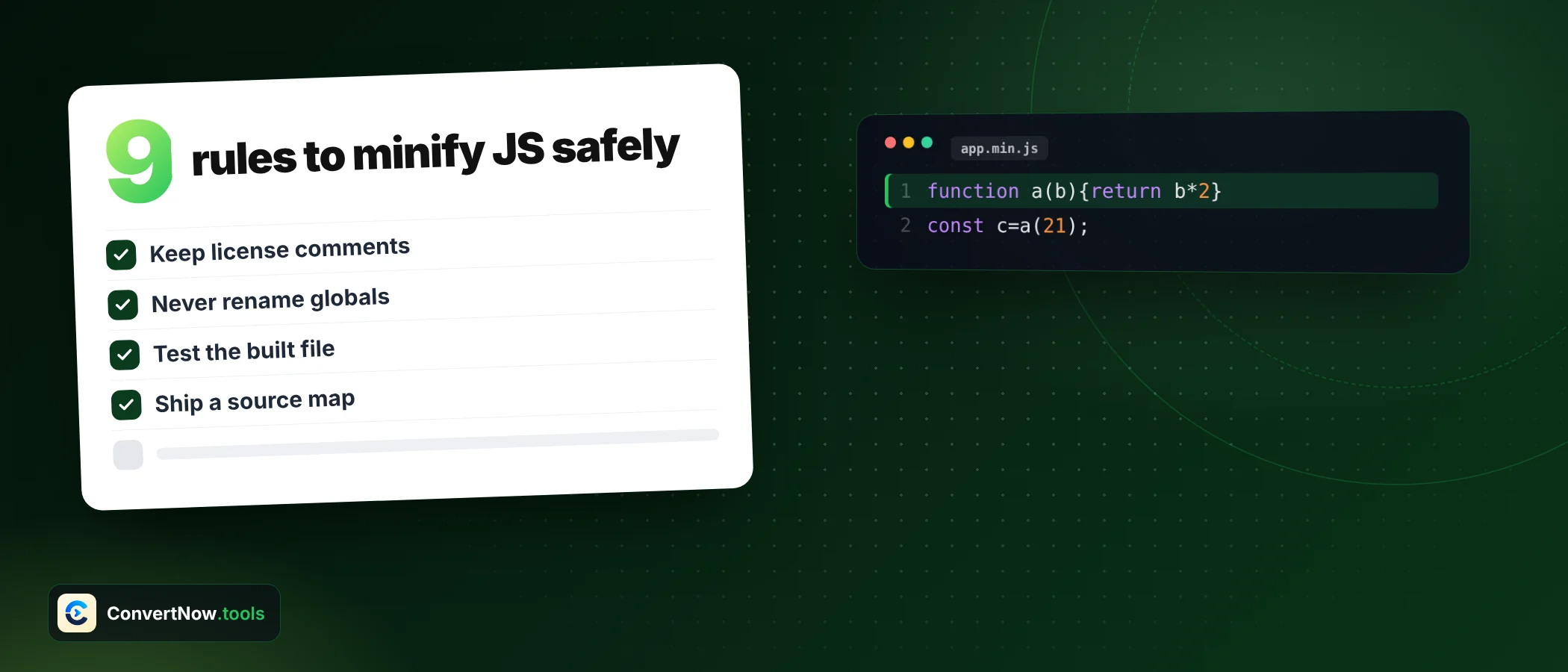

Minify JavaScript: 9 Simple Rules for Best, Safe Output
To minify javascript safely, you remove only what the language ignores: comments and whitespace that carry no meaning. Everything else, strings, regex literals and the spaces between keywords, has to survive untouched. This guide gives you nine rules and three lookup tables so you know which is which.
Here is the thing. When people minify javascript and something breaks, the cause is rarely clever optimisation. Most broken minified files do not come from clever optimisation. They come from a plain whitespace removal that did not know it was standing inside a string, a regex or a statement that relied on a line break. The rules below exist to prevent exactly that.
What this guide covers
What it means to minify JavaScript, in real bytes
Minification rewrites source so a browser downloads fewer bytes while the program behaves the same. To see the effect, I took a 19 line cart helper with comments, a console call, a regex and a license banner. The numbers below come from that exact file, measured in UTF8 bytes.
| Version | Raw bytes | Gzip level 9 | Brotli default |
|---|---|---|---|
| Original with comments | 459 | 309 | 258 |
| Stripped and minified | 284 | 223 | 182 |
| Bytes saved | 175 (38.1%) | 86 (27.8%) | 76 (29.5%) |
Notice the gap between raw and compressed savings. Compression already squeezes repeated spaces and comment text, so the gain after gzip is smaller. It is still real, and it is the figure your visitors actually feel. Treat the ratios as a guide only, because a 19 line sample behaves differently from a 200 KB bundle.
Nine rules that keep code working
- Rule 1: End every statement with a semicolon before you minify javascriptJavaScript lets a newline act as a statement terminator through automatic semicolon insertion. When a minifier joins lines, that newline vanishes. In a test,
var a = 1 var b = 2on one line throws an unexpected token error, while the same two statements on two lines run fine. Add the semicolons in your source, then minify. - Rule 2: Keep one space between word like tokens when you minify javascriptKeywords and identifiers need a separator.
return xmust not becomereturnx, andtypeof y,else ifanda in bfollow the same logic. A correct minifier keeps exactly one space when both neighbours could be part of a word or number. - Rule 3: Protect the space in a + +b and a, bIf you squeeze
a + +bintoa++b, the parser reads an increment operator and fails. The same happens witha--b. The safe output isa+ +banda- -b, one space kept. - Rule 4: Never edit the inside of a string as you minify javascriptA string such as
"Total due: "holds three spaces after Total on purpose. Collapse them and the text on screen changes. Template literals follow the same rule, and their${ }expressions need brace tracking because an expression can contain braces of its own. - Rule 5: Treat a regex literal like a stringThe body of
/\s+\d{2,}/gis pattern syntax, not code. Spaces and comment looking characters inside it matter. The hard part is telling a regex from division: intotal / 2 / countboth slashes divide. The usual test looks at the last meaningful character before the slash. After an equals sign, an opening bracket, a comma or a semicolon it starts a regex. After a closing parenthesis or a name it divides. - Rule 6: Keep license bannersComments that start with
/*!are the convention for license notices. Many open source licenses, MIT included, require the notice to travel with copies of the code. Terser keeps comments that contain @license, @preserve or @copyright, plus any that begin with an exclamation mark, by default. Keep the first banner and drop the rest. - Rule 7: Remove console calls only on purposeStripping debug output is useful, but it is a change of behaviour, not formatting. A call like
console.log(i++)has a side effect. A pattern that stops at the first closing parenthesis also mishandles nested calls such asconsole.log(fmt(a))spread over several lines. Read the diff after you strip. Terser leaves its drop_console option off unless you ask for it. - Rule 8: Do not rename anything unless the tool understands scopeShortening local variables saves the most bytes and carries the most risk. Code that reads names through eval, with, string keys or the text of a function breaks when names change. A comment and whitespace stripper keeps every name, which is why its savings are modest and its output predictable.
- Rule 9: Measure bytes, then run the testsCount UTF8 bytes, not characters. The letter é is one character and two bytes, and an emoji is four bytes. Then run your normal tests against the minified file, not just the source. Keep the original as the file you edit and treat the minified copy as a build artefact.
Lookup table: what to remove, keep or reshape
Use this when you review a minified file or decide how aggressive a tool may be when you minify javascript for production. The right column gives the reason in one line.
| What you find | Action | Reason |
|---|---|---|
Line comment // text | Remove | Ignored by the engine |
Block comment /* text */ | Remove | Ignored by the engine |
Banner comment /*! text */ | Keep the first one | License notices must travel with the code |
| Newline between statements | Remove only after a semicolon exists | Relies on automatic semicolon insertion otherwise |
Spaces around =, +, {, , | Remove | Operators separate tokens by themselves |
Space between return and a value | Keep one | Two words would merge |
| Text inside quotes | Keep exactly | Spaces are data |
| Text inside backticks | Keep exactly | Spaces and line breaks are data |
| Regex literal and flags | Keep exactly | Pattern syntax is not code |
Semicolon before } | Remove | The closing brace ends the statement |
| Duplicate semicolons | Remove | An empty statement does nothing |
| Console calls | Optional, review the diff | Changes behaviour if arguments have side effects |
| Variable and function names | Keep in a stripper | Renaming needs scope analysis |
When one space must stay
Whitespace removal looks simple until two tokens touch. This table lists the pairs that cause real failures, with the safest minified form. I ran each case through a JavaScript engine to confirm the result.
| Source | Minified form | Result |
|---|---|---|
return x | return x | Valid, space is required |
typeof y | typeof y | Valid, space is required |
a + b | a+b | Valid |
a + +b | a+ +b | Valid, evaluates to 3 for 1 and 2 |
a - -b | a- -b | Valid, evaluates to 7 for 5 and 2 |
a + +b | a++b | Error: unexpected identifier |
var a = 1 then newline var b = 2 | var a=1 var b=2 | Error: unexpected token, add the semicolon first |
x = y / 2 / z | x=y/2/z | Valid, both slashes divide |
A line that begins with an opening parenthesis, bracket or slash can merge into the line before it. MDN shows a case where const a = 1 followed by (1).toString() is read as one expression. Semicolons in the source remove the whole class of problem, and they are the cheapest habit to adopt before you minify javascript.
The third option relies on a line break to end the first statement. Joined onto one line it becomes a syntax error, so add a semicolon after 5 first. The others are all safe to process.
Stripper or full minifier: which one fits
Two different kinds of tool both get called a minifier. They are not interchangeable, and choosing the right one is part of knowing how to minify javascript for the job in front of you.
Character scan stripper
- Removes comments, whitespace and optional console calls
- Keeps every variable and function name
- Output is easy to predict and compare
- Good for a single script, a snippet for a CMS or a quick size check
- Savings are real but modest
AST minifier such as Terser
- Parses code into a syntax tree before rewriting
- Mangles names and compresses expressions by default
- Can remove dead branches and inline constants
- Belongs in a build pipeline with tests
- Savings are larger and the risk is higher
For a one off file, a stripper is the fast answer to minify javascript without a build setup. The JS Minifier works this way, scanning one character at a time and tracking whether it sits inside a comment, string, template literal or regex. It does not rename variables, so use a bundler step for production builds.
Paste your script, tick the banner option if you need the license kept, and read the byte savings before you copy it out. Everything runs in your browser.
Open the JS MinifierBefore and after, with the real sample
This is the cart helper from the size table. Compare the two versions line by line and match each change to a rule above.
Minify javascript input: original, 459 bytes
/*! cart.js v1.2 MIT License */
// Cart helpers
function totalPrice(items, taxRate) {
// add up every line
var total = 0;
for (var i = 0; i < items.length; i++) {
total += items[i].price * items[i].qty;
}
console.log("subtotal", total);
/* apply tax */
return total * (1 + taxRate);
}
var label = "Total due: "; // keep the spaces
var rx = /\s+\d{2,}/g;
var half = total / 2 / count;
function fmt(n) {
return label + n.toFixed(2);
}Minify javascript output: 284 bytes
/*! cart.js v1.2 MIT License */
function totalPrice(items,taxRate){var total=0;for(var i=0;i<items.length;i++){total+=items[i].price*items[i].qty}return total*(1+taxRate)}var label="Total due: ";var rx=/\s+\d{2,}/g;var half=total/2/count;function fmt(n){return label+n.toFixed(2)}The banner survived (rule 6). The three spaces inside the string survived (rule 4). The regex and both divisions are intact (rule 5). The console call is gone (rule 7), and the semicolon before the closing brace of the loop is gone because the brace ends the statement.
A checklist before release
Related tools
Styles weigh bytes too, so run the same idea over your stylesheet with the CSS Minifier. If a pattern misbehaves after minifying, test it first in the Regex Tester. To see exactly what changed between two versions, paste both into the Text Diff Tool.
return x. Add semicolons first, then check the result by running it.Questions people ask when they minify javascript
Does it change my code if I minify javascript?
It should not. A correct minifier changes only comments, whitespace and optionally names, so behaviour stays the same. The risk comes from code that depends on line breaks, function names or string contents.
How much smaller will my file get if I minify javascript?
Stripping comments and whitespace saved 38.1 percent on the sample above, and 27.8 percent after gzip. Real files with many comments save more, and files that are already compact save less.
Is it safe to minify JavaScript and remove console.log?
It is safe when the arguments have no side effects. Calls such as console.log(i++) change state, so review the output after removal.
What is the difference between minifying and obfuscating?
Minifying aims at fewer bytes and keeps the program readable to a tool. Obfuscating aims at making the code hard for people to follow. Minified code is not protected, because any formatter restores its layout.
Can I get my original comments back after I minify javascript?
No. Comments and original names are deleted from the output. Keep your source file and generate the minified copy from it each time.
Should I minify javascript if my server already uses gzip or Brotli?
Yes. Compression and minification stack. In the sample, Brotli alone reached 258 bytes and Brotli on the minified file reached 182 bytes.
Sources: Terser, JavaScript parser, mangler and compressor toolkit · MDN, JavaScript lexical grammar