

URL Encoding: 9 Clear Answers to Questions Developers Ask
URL encoding replaces characters that a URL cannot carry safely with a percent sign followed by two hex digits. A space becomes %20, an ampersand becomes %26, and an e with an accent becomes %C3%A9. The rules look simple until you meet a plus sign, a double encoded string or an error from decodeURIComponent. Nine questions cover nearly every case.
What is URL encoding and why does it exist?
A URL is a short string of plain ASCII characters, and several of those characters have jobs. A question mark starts the query. An ampersand separates parameters. A hash starts the fragment. If your data contains one of these characters, a parser cannot tell whether it is data or structure.
Percent encoding solves this. Each unsafe character is turned into bytes, and each byte is written as a percent sign plus two hex digits. The standard that defines the scheme is RFC 3986. It says non ASCII data should first be encoded as UTF 8 octets, and then only the octets outside the unreserved set are percent encoded.
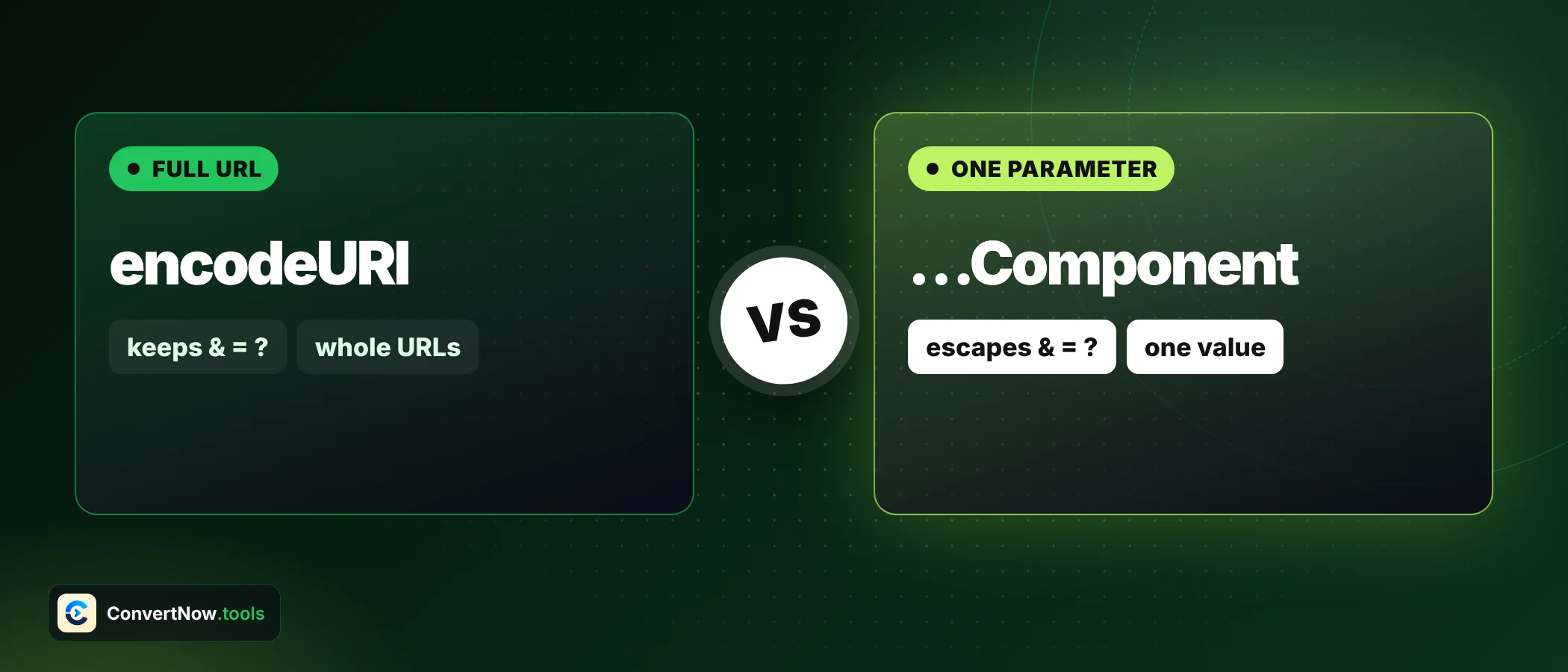
encodeURIComponent, before you put it into a URL. Never encode a finished URL as a whole, because the slashes, question marks and ampersands that give the URL its structure would be encoded too.Which characters need encoding and which are safe?
RFC 3986 splits characters into two groups. Unreserved characters never need encoding: letters, digits, hyphen, period, underscore and tilde. Reserved characters have a structural meaning and must be encoded when they appear as data.
| Group | Characters | Encode them when used as data? |
|---|---|---|
| Unreserved | A-Z a-z 0-9 - . _ ~ | No |
| General delimiters | : / ? # [ ] @ | Yes |
| Sub delimiters | ! $ & ' ( ) * + , ; = | Yes, when they would be misread |
| Everything else | space, quotes, < > { } | ^, non ASCII text | Always |
encodeURIComponent leaves five sub delimiters alone: ! * ' ( ). RFC 3986 lists them as reserved. If you build a URL for a system that treats them as structure, escape them yourself. For their escapes see the lookup below.
Tested in a JavaScript engine
encodeURIComponent("!*'()") // "!*'()" (unchanged)
// manual escapes if you need them
// ! = %21 * = %2A ' = %27 ( = %28 ) = %29Paste a value for URL encoding, or paste an encoded link to decode it. Switch between component, query string and path modes, and highlight every percent escape.
Open the URL Encoder Decoder OnlineWhat is the difference between encodeURI and encodeURIComponent?
Both are built into JavaScript. encodeURI assumes you hand it a whole URL and leaves the structural characters alone. encodeURIComponent assumes you hand it a single piece, so it encodes those characters as well. Using the wrong one is the number one source of broken links in URL encoding.
| Character | encodeURI | encodeURIComponent |
|---|---|---|
| Space | %20 | %20 |
& | unchanged | %26 |
= | unchanged | %3D |
/ | unchanged | %2F |
? | unchanged | %3F |
# | unchanged | %23 |
+ | unchanged | %2B |
@ | unchanged | %40 |
: | unchanged | %3A |
Take the value https://example.com/cart?id=5&qty=2 and pass it as a redirect parameter. With encodeURIComponent the result is https%3A%2F%2Fexample.com%2Fcart%3Fid%3D5%26qty%3D2, which survives inside ?next= without confusing the outer query. With encodeURI the inner question mark and ampersand stay raw, and the receiving server splits your parameter in the wrong place.
Should a space become %20 or a plus sign?
Both appear in the wild, and both are correct in the right place. In a path, only %20 is valid. In a query string produced by an HTML form, the older form encoding writes a space as a plus sign. The WHATWG URL standard documents that convention under application/x www form urlencoded, and URLSearchParams follows it.
| Location | Space as | Example |
|---|---|---|
| Path segment | %20 | /files/my%20report.pdf |
| Query string from a form | + or %20 | ?q=rock+%26+roll |
| Fragment | %20 | #my%20section |
| Value you build with encodeURIComponent | %20 | rock%20%26%20roll |
The danger in URL encoding is the reverse direction. A literal plus sign in a query value must be sent as %2B. Otherwise many servers read it as a space, and C++ arrives as C followed by spaces. Encode C++ tips and you get C%2B%2B%20tips, which every server reads back correctly.
How are accents, other scripts and emoji handled?
URL encoding converts the character to UTF 8 bytes first. Each byte then becomes its own percent escape. An accented letter takes two bytes, many symbols and Asian characters take three, and emoji take four.
| Character | UTF 8 bytes | Encoded |
|---|---|---|
| é | 2 | %C3%A9 |
| € | 3 | %E2%82%AC |
| 日 | 3 | %E6%97%A5 |
| 😀 | 4 | %F0%9F%98%80 |
That is why text in other scripts balloons under URL encoding. The phrase naïve café has 10 characters and becomes 22 once encoded. Nothing is wrong. Every escape is three characters long, and several characters need more than one.
What is double encoding and how do I spot it?
Double encoding happens when a value is encoded twice. The first pass turns a space into %20. The second pass sees the percent sign as data and turns it into %25, so the result reads %2520. When you see %25 followed by two hex digits, suspect it.
Double encoding, step by step
const once = encodeURIComponent('rock & roll'); // rock%20%26%20roll
const twice = encodeURIComponent(once); // rock%2520%2526%2520roll
decodeURIComponent(twice); // rock%20%26%20roll (still encoded)
decodeURIComponent(decodeURIComponent(twice)); // rock & rollThe cause is almost always a framework that encodes parameters for you while your code encodes them as well. Pick one layer to do it. If your HTTP library accepts a params object, pass raw values and let it encode them.
encodeURIComponent('C++ tips') return?The plus sign is a reserved character in query strings, so it becomes %2B. The space becomes %20. Only a form encoder such as URLSearchParams would write the space as a plus.
Why does decoding throw an error like URIError?
The decodeURIComponent function requires every percent sign to be followed by two valid hex digits. A string such as 100% or %2 breaks that rule and raises a URIError. User typed text, truncated logs and half copied links all trigger it.
The URL Encoder Decoder Online catches the error. When the strict decode fails, it falls back to decoding only the well formed escapes and leaves anything malformed as it was. That helps with messy real world links. It also means a damaged string may decode partly without telling you which part was skipped, so read the output before you trust it.
Which mode should I pick: component, query, path or batch?
The mode decides how the URL encoding treats spaces and slashes. The tool offers four ways to handle this, and each fits a different job.
| Mode | What it does | Pick it for |
|---|---|---|
| Full or component | Runs encodeURIComponent on the whole input | A single value placed anywhere in a URL |
| Query string | Same, then turns each %20 into a plus | Parameters in a form style query |
| Path | Encodes each segment separately and keeps the slashes | A file path or REST route |
| Batch | One input per line, full component encoding | Lists of values or logs |
Decoding URL encoding works in the other direction. The tool converts plus signs to spaces before it decodes, which matches form style data. If your input is a path where a plus is a literal character, replace it with %2B first.
Is URL encoding the same as encryption?
No. URL encoding is a reversible format change with no key. Anyone can decode %70%61%73%73 back to a word in one click. It protects the structure of a URL, not the secrecy of its contents. Never put passwords or tokens in a query string and assume the encoding hides them.
If you want to see how other encodings differ, the Base64 Encoder Decoder shows a different scheme with a different purpose. For HTML text, the HTML Entity Encoder handles ampersands and angle brackets. Both are formats, not secrets.
- Apply URL encoding to each piece aloneRun the value of each parameter through the encoder, not the finished URL.
- Join with the real separatorsAdd the literal question mark, equals sign and ampersand yourself.
- Decode onceIf a decoded result still contains percent escapes, check for double encoding before you decode again.
- Test with awkward inputTry a plus sign, an ampersand, a percent sign and a non English word.
Frequently asked questions
What does %20 mean in a URL?
It is a percent encoded space. The hex number 20 is the ASCII code for a space character.
How do I do URL encoding in JavaScript?
Use encodeURIComponent on each parameter value and join the pieces with the real separators. Use encodeURI only when you must clean up a whole address that is already well structured.
Is it safe to paste links into an online URL encoder?
With this tool, yes. It runs in your browser and sends nothing to a server. Still avoid sharing links that carry private tokens.
Why is my decoded URL still full of percent signs?
The string was probably encoded twice. A %25 followed by two hex digits is the sign. Decode a second time.
Can I encode many URLs at once?
Yes. Batch mode takes one entry per line and processes the whole list in one pass, using full component encoding.
Do lowercase hex digits work in percent escapes?
They decode the same way. RFC 3986 recommends uppercase hex digits for consistency, and encodeURIComponent produces uppercase.
Sources: RFC 3986: Uniform Resource Identifier (URI) Generic Syntax