

How to Compare Two API Responses Before Prod Breaks
The fastest way to compare two API responses is to paste both JSON payloads into a diff tool built for structured data, one that ignores key order and highlights every added, removed, renamed, or type changed field. A plain text diff will bury the one field that actually matters under noise from reordered keys and whitespace. A structural diff shows you exactly what changed in the shape of the data, which is what breaks clients. The rest of this post walks through why silent breaking changes slip past manual review, what a real before and after example looks like, and how to build this check into your normal workflow.
The fastest way to compare two API responses is to paste both JSON payloads into a diff tool built for structured data, one that ignores key order and highlights every added, removed, renamed, or type changed field.
Why API responses break clients without anyone noticing
An API contract feels stable right up until someone renames a field, changes a status code from a string to a number, or drops a key nobody remembered a mobile client still reads. None of that shows up as a failed build. The service returns 200 OK. The response is still valid JSON. It just is not the JSON your integration expects, and that gap only surfaces when a customer reports a crash or a dashboard starts showing blank values.
This is the core problem with schema drift. A backend team ships a change that looks harmless from their side, tests pass, deploy goes out, and three consumers of that endpoint quietly start failing in different ways. One client throws an error because a field is missing. Another silently defaults a value because a type changed from string to number and its parser did not error, it just coerced badly. A third keeps working today and breaks next week when a cache expires.
A concrete example of a silent break
Say a user profile endpoint used to return this.
{
  "userId": "u_2201",
  "isActive": true,
  "role": "admin"
}
Then a refactor ships this instead.
{
  "userId": 2201,
  "active": true,
  "role": "admin"
}
Two changes hide in that small block. The userId field flipped from a string to a number, which breaks any client that concatenates it into a URL path expecting text. And isActive was renamed to active, which means every client reading the old key now silently gets undefined instead of a boolean, often defaulting to falsy behavior nobody intended. Neither change fails a basic JSON validity check. Both changes break real integrations.
How to compare two api responses without missing the field that matters
Manually eyeballing two JSON blobs works for a five line response and falls apart past that. Real API payloads nest arrays inside objects inside arrays, and key order between two calls to the same endpoint is not even guaranteed to stay consistent. A text based diff will flag that reordering as a change even when nothing meaningful moved, which trains you to ignore the diff output entirely.
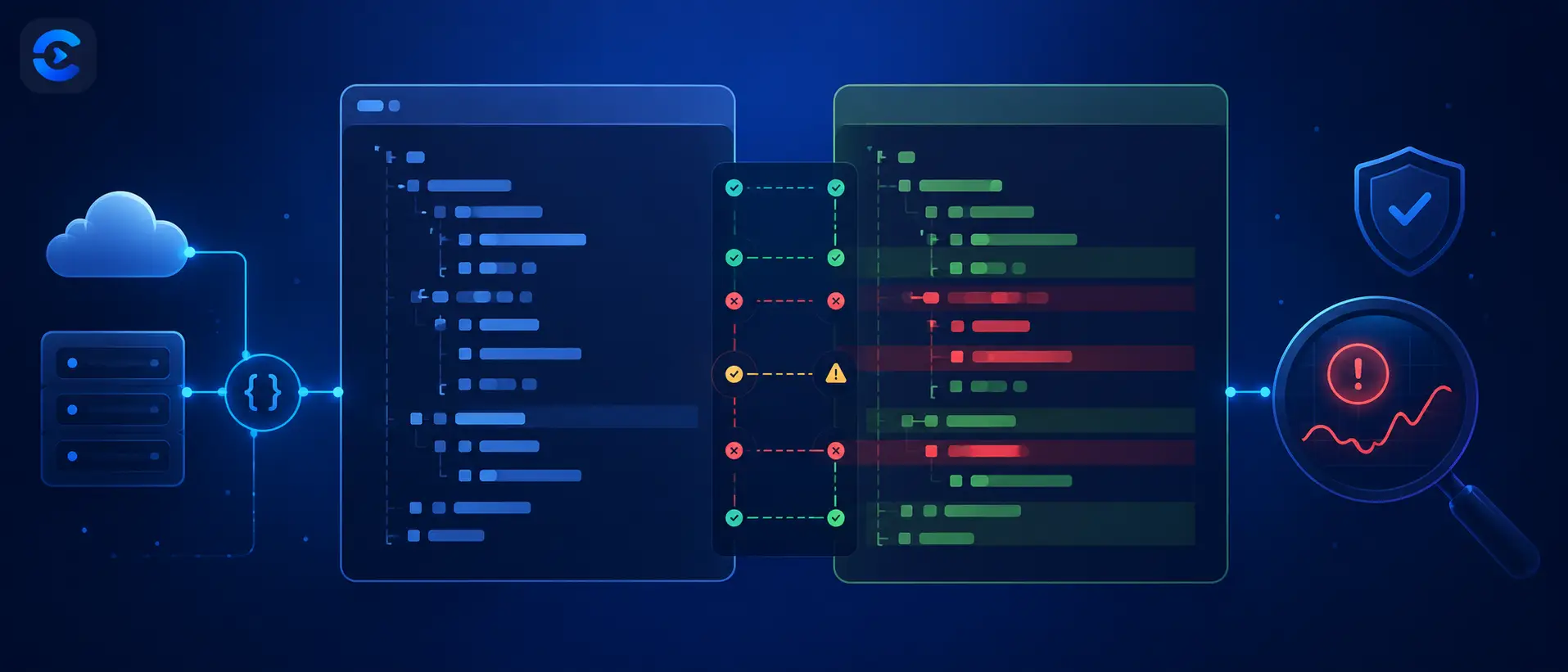
A structural JSON diff solves this by comparing the two payloads as data, not as text. It walks both trees, matches keys regardless of position, and reports four categories of change: fields added, fields removed, fields renamed or moved, and fields whose value type changed even though the key stayed the same. That last category is the one manual review misses most often, because a value can look fine printed on screen while its underlying type shifted from string to number or from object to array.
Before comparing, it also helps to run each response through a JSON formatter so nesting and structure are easy to scan visually, even before you run the actual diff. If the API in question has a published schema, a JSON schema validator catches violations against that contract directly, which complements a diff rather than replacing it. And if the response you are inspecting includes an auth token, a JWT decoder is the faster way to check claims without writing a script.
What counts as a breaking change versus a safe addition
Not every difference between two responses is dangerous. Adding a brand new optional field is usually safe, since well written clients ignore keys they do not recognize. The Semantic Versioning convention treats this distinction directly: additive, backward compatible changes bump a minor version, while anything that removes or reinterprets existing data is a major, breaking change.
Removing a field a client reads is breaking, full stop. Renaming a field is breaking even though the data itself did not change, because the key a client looks for no longer exists. Changing a type, such as a timestamp moving from a Unix integer to an ISO string, is breaking even if both formats represent the same moment in time, because parsing code written for one will choke on the other. Reordering keys inside a JSON object is not breaking, since JSON objects are unordered by definition under the official JSON specification. Any tool that flags key reordering as a real change is generating false positives you will learn to tune out.
Building the check into a normal workflow
The teams that catch these issues early are not doing anything exotic. Before merging a change to an endpoint, they capture a sample response from the current production version and a sample from the branch under review, then diff the two. If the diff shows only additions, the change ships with confidence. If it shows a rename, a removal, or a type change, that gets flagged for a version bump or a deprecation notice before it reaches consumers who were never warned.
The same check is worth running after any third party API you depend on ships an update, since you have no control over their release notes actually covering every field level change. A quick diff before and after a vendor update takes a minute and can save a debugging session that would otherwise start with "it worked yesterday."
More tools for API debugging
Diffing two responses is often just one step in a wider check. A JSON formatter makes a messy payload readable before you even start comparing. A JSON schema validator catches contract violations if the API publishes a formal schema. If you need to hand a response off to a system that expects XML instead of JSON, the JSON to XML converter handles that conversion in one step. You can browse the full set of developer tools, or check the ConvertNow blog for more explainers like this one.
Catch breaking changes early
A 200 status code and valid JSON tell you nothing about whether the shape of a response changed. Renamed fields, type changes, and removed keys all slip past a status check and a quick glance, and they are exactly what breaks a client in production. Run both responses through a structural diff before you merge, treat any rename, removal, or type change as breaking, and let additions ship without ceremony. The API Response Diff Checker linked above turns that check into a one minute step instead of a debugging session two weeks later.
How to compare two API responses without drowning in noise
A raw diff is often useless when you learn how to compare two api responses. Half the lines change on every call. This section shows how to compare two api responses so only real changes survive, using a short routine you can repeat for any endpoint.
How to compare two api responses after removing volatile fields
Some fields change by design. Timestamps, request ids, trace tokens, cache ages and page cursors will differ on every call. Strip them or mask them before you look at how to compare two api responses. If you skip this, you will chase fake bugs and miss the real ones. It is the first rule of how to compare two api responses fairly.
| Field type | Example | Treat it how | Step in how to compare two api responses |
|---|---|---|---|
| Timestamp | updatedAt | Mask or ignore | How to compare two api responses: mask first |
| Request id | requestId | Ignore | How to compare two api responses: remove it first |
| Cache age | age in seconds | Ignore | How to compare two api responses: drop it |
| Sorted list | items by name | Compare as is | How to compare two api responses: order counts |
| Unsorted list | tags | Sort first | How to compare two api responses fairly: sort |
How to compare two api responses when values look equal but are not
Some differences hide in plain sight. They are the reason a careful routine for how to compare two api responses beats reading by eye.
- Number versus string. The value 2201 and the same digits as text are different types, a classic case of how to compare two api responses badly.
- Null versus missing. A key set to null is not a key that is gone, so how to compare two api responses must treat them apart.
- Whole number versus decimal. 10 and 10.0 may parse the same or not, which matters when you decide how to compare two api responses.
- Empty list versus missing list. Many clients crash on one and not the other, so how to compare two api responses must include empties.
- Trailing spaces and case changes in text values, a quiet trap when you compare two api responses.
Check each by hand once, then let a tool flag them. The API Response Diff Checker highlights type and structure changes, which is the core of how to compare two api responses with confidence.
A repeatable routine for how to compare two api responses
| Step | Action | Result |
|---|---|---|
| 1 | Call the old and new version with the same input | How to compare two api responses: a fair baseline |
| 2 | Format both as JSON with sorted keys | How to compare two api responses: key order stops mattering |
| 3 | Mask volatile fields | How to compare two api responses: noise drops sharply |
| 4 | Diff the structure first, then the values | How to compare two api responses: breaking changes surface early |
| 5 | Record the result | A history for the next time you compare two api responses |
To compare two api responses well, do this on at least three inputs: a normal case, an empty case and a large case. A change that appears only on the empty case is common. For example, an empty search may return an empty list in one build and null in the next. A single sample would miss it, as every guide on how to compare two api responses warns. That is why how to compare two api responses properly always uses more than one request.
When to use this routine to compare two api responses
Run it before every release that touches a handler, a serializer or a database query. Run it again after a library upgrade, since formatting changes there can alter output with no code change on your side. Add it to the pull request checklist so how to compare two api responses becomes habit, not heroics.
One minute habit
Save a golden response for each key endpoint, then practise how to compare two api responses against it. After any change, diff the new response against it. Knowing how to compare two api responses this way catches most surprises.
| In this guide |
|---|
| Why API responses break clients without anyone noticing |
| How to compare two api responses without missing the field that matters |
| What counts as a breaking change versus a safe addition |
Stop reviewing JSON changes by eye
Scanning two payloads side by side misses renamed keys and type changes hiding behind values that look correct at a glance. Our free API Response Diff Checker compares two JSON responses structurally, ignores harmless key reordering, and highlights every added, removed, renamed, or type changed field so you know exactly what will break before you ship.
Open the API Response Diff CheckerFAQ: How to compare two API responses?
How to compare two api responses when the field order is different each time?
Use a structural JSON diff instead of a text diff. A structural tool matches fields by key regardless of position, so reordered keys are not reported as changes, only genuine additions, removals, renames, and type changes are.
What counts as a breaking change in an API response?
Removing a field a client reads, renaming a field, and changing a value's type all count as breaking changes, even if the endpoint still returns a 200 status and valid JSON. Adding a new optional field is generally safe.
Why didn't my tests catch a renamed field?
Tests only catch what they check for. If a test asserts on a handful of specific fields and ignores the rest of the payload, a renamed field elsewhere in the response passes silently because nothing was asserting on that key.
Is a type change from string to number always a breaking change?
In practice, yes. Even if the represented value is identical, client code written to parse a string will often fail, throw, or silently coerce incorrectly when it receives a number instead, and vice versa.
Can schema drift happen without anyone changing the API on purpose?
Yes. A refactor of internal data models, a change to a database column type, or an upstream library update can all shift a response's shape without a developer intentionally deciding to change the public contract.
Should I diff API responses before or after deploying?
Before. Comparing a production response against the response from a branch or staging environment lets you catch breaking changes while they are still cheap to fix, rather than after real clients have already failed.
Does JSON key order matter when comparing two responses?
No. JSON objects are unordered by specification, so two responses with the same keys in different positions are functionally identical. A good diff tool should ignore ordering and focus only on actual content differences.
What is the difference between a JSON diff and a schema validator?
A diff compares two actual responses against each other to show what changed. A schema validator checks a single response against a predefined contract. They answer different questions and work well used together.